




Raise inspection to the next level
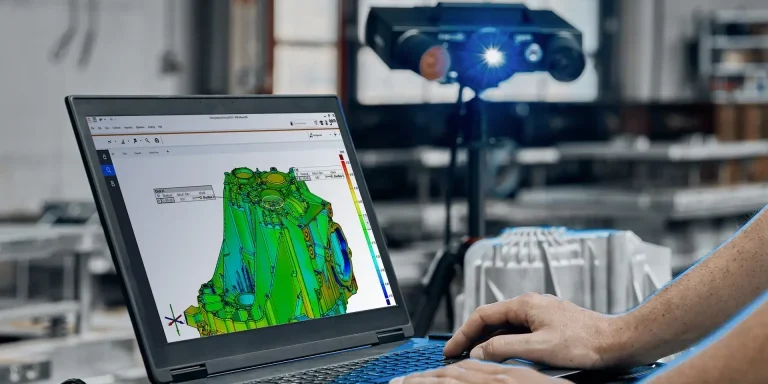
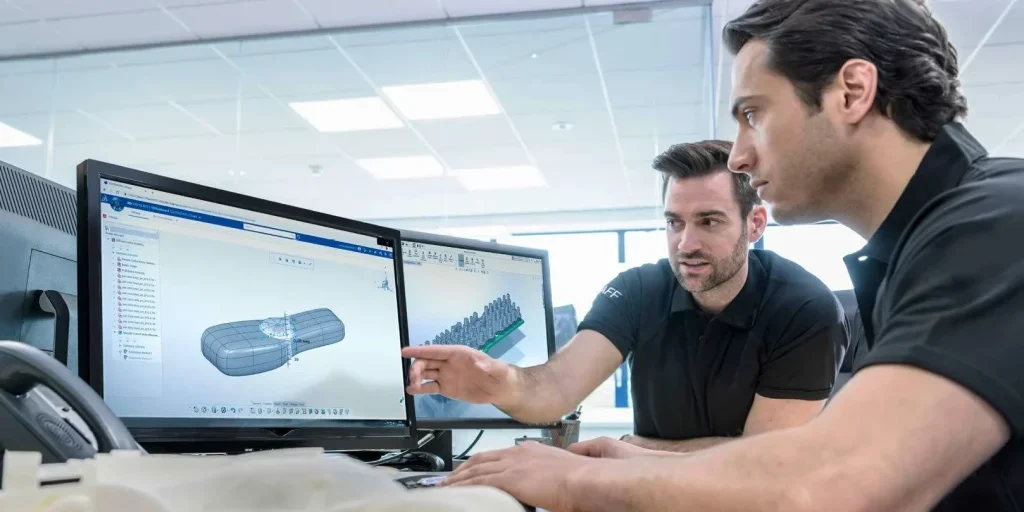
ZEISS Inspect is your software for detailed evaluations of 3D data. Use ZEISS Inspect for simple or complex inspection tasks – from capturing the part to be inspected, mesh processing, CAD import, necessary GD&T calculations to trend analyses, digital assembly or proprietary inspections.
ZEISS Inspect will save you time and money. Due to its active parametric concept, all work steps are traceable and you can create project templates at any given point in your current project. Accordingly, you will obtain accurate results even faster than before.
Industry standard for 3D inspection & evaluation
With ZEISS Inspect you can raise your 3D inspections to the next level.
ZEISS Inspect latest features include:
- Photorealistic rendering to simulate your parts in digital assemblies and real environments and assess the influence of light and shading
- New reporting functionalities using smart diagram views and a modernized UI for creating intelligent result reports
- Smart scanning capabilities support fully automated ScanBox measurements to increase productivity and minimize user interaction
ZEISS Inspect Overview
ZEISS Inspect Capabilities
Making accurate 3D models has never been easier
ZEISS Inspect Benefits
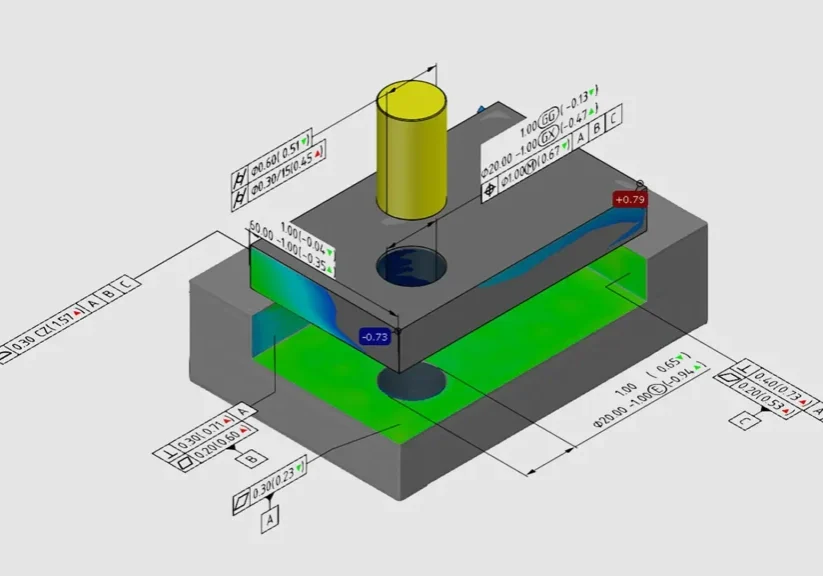
Geometric Dimensioning and Tolerancing of a component
You can use the GD&T functions to determine whether a bore hole is manufactured with the proper fit, whether it has the correct direction or whether existing form errors are within the permissible limits.
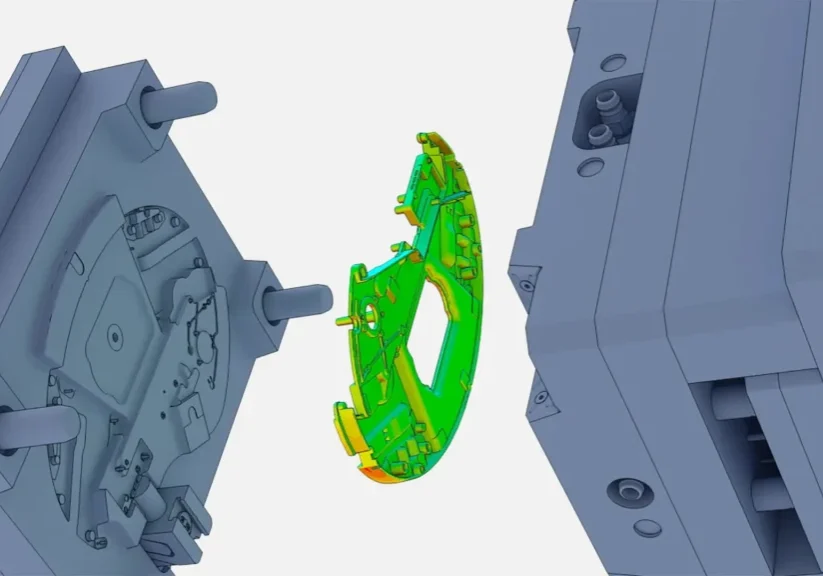
Assemble your products digitally
Do you manufacture your components at different sites? With ZEISS Inspect digital assembly you can easily verify whether the different components match, or which ones have the best-fit (cross-mating).
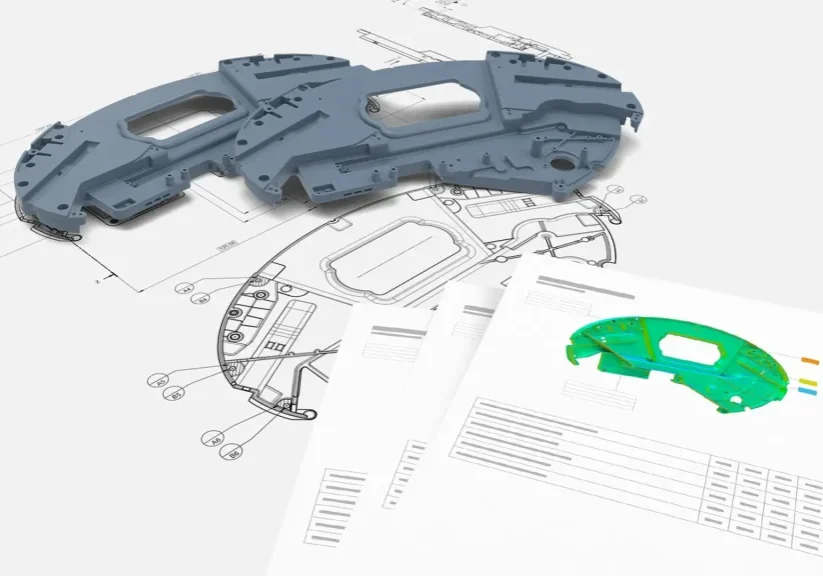
Create detailed reports
After having completed the inspection, you will want to present your results in a visually appealing layout. With ZEISS Inspect you do not need an extra program for that purpose. Instead, you can create your report with images, tables, diagrams and texts at the push of a button.
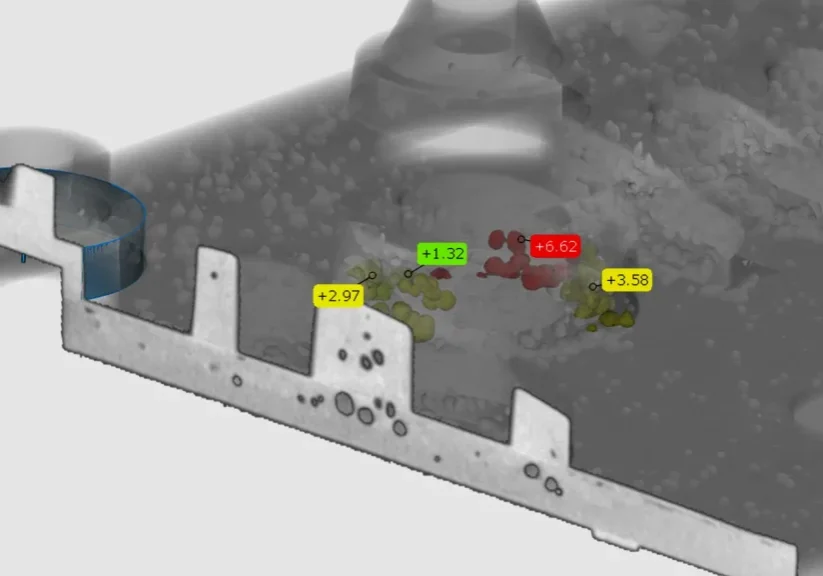
Volume Inspection
The software displays the entire part including the internal structures and can visually separate between different materials. You can cut the volume at any point and view the object layer by layer to see even the finest details. Defects or blowholes present in the part can be checked dimensionally. Furthermore, internal structures and geometries can be inspected and compared to CAD.
ZEISS Inpsect Advantages
Use the software with any brand of 3D scanner.
System-independent
Whichever scanner you use, with ZEISS Inspect you can evaluate and analyze your 3D data and create comprehensive reports.
Regular updates and further developments
For ZEISS, your daily challenges are at the forefront of their development work – a strong team regularly works on numerous improvements to the software in collaboration with ZEISS customers.
Worldwide support and service
With our support, you have full access to further developments and improvements of the software. If you have any questions, our service specialists will support you in person or online.
Recommended Laptop Hardware - Dell Pro Max 18 Plus
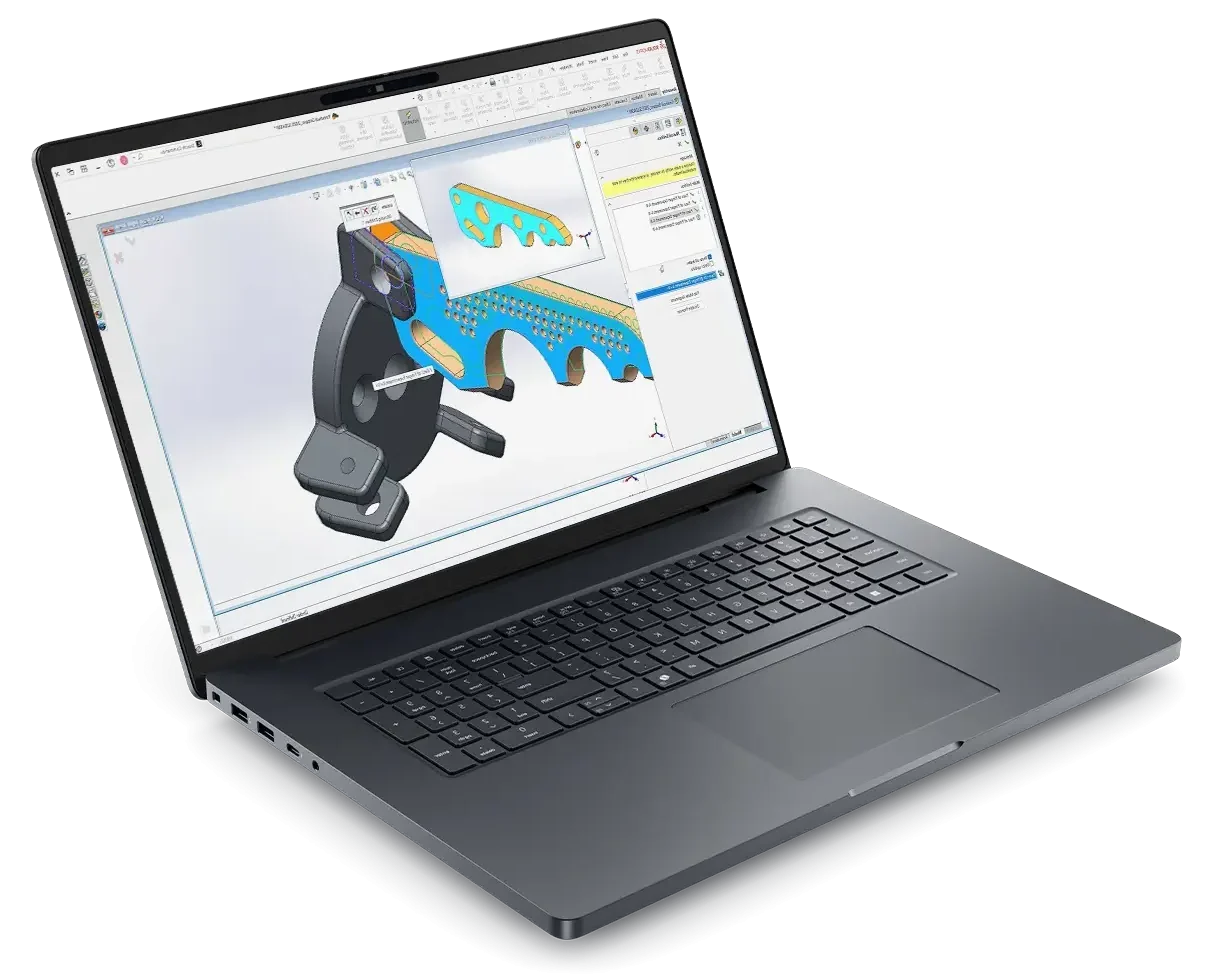
- Processor: Intel® Core™ Ultra 9 285HX 24 core, Turbo Boost up to 5.5GHz (55W)
- Chassis: 18″ QHD+ 2560×1600, 120Hz, 500nits, 100% DCI-P3 screen, 8MP IR Camera
- Operating System: Windows 11 Professional 64-bit
- Memory: 64GB: 2x32GB, DDR5, 6400 MT/s, CSoDIMM RAM
- Graphics Card: NVIDIA RTX PRO 4000 Blackwell 16GB GDDR7 Graphics
- Storage: 2TB Performance SSD Gen5, SED Ready
- Support: 3 years of Dell ProSupport and next business day on-site service
Related Products
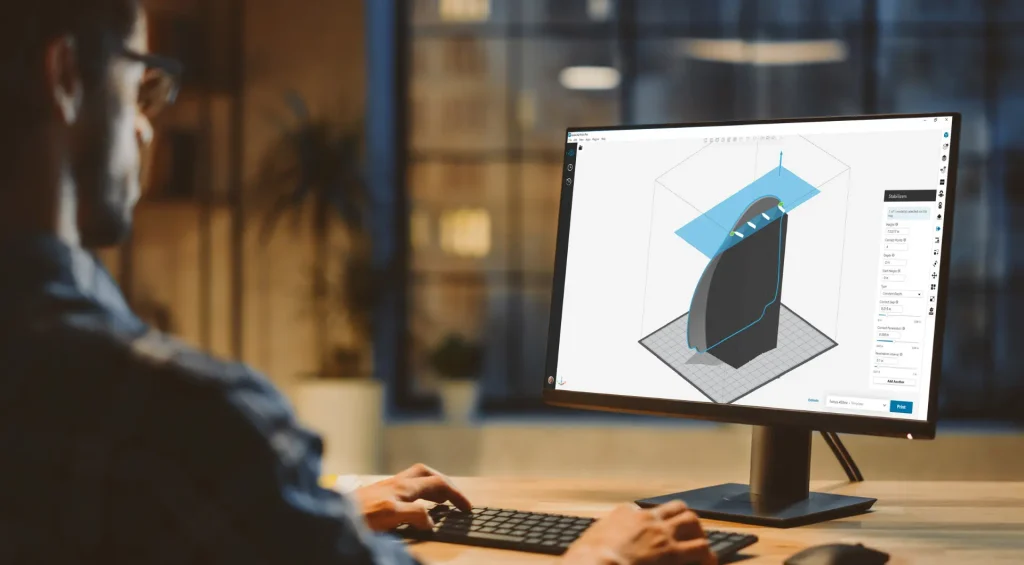
GrabCAD Print Pro
GrabCAD Print Pro 3D printing software automates 3D print tasks, optimizing your workflow, saving time, money and material.

Artec Studio
Artec Studio industry acclaimed software for professional 3D scanning makes it easy for new and experienced users alike to achieve high accuracy 3D scans.