





Handheld and Desktop 3D Scanners
Chose from a range of 3D scanners designed for reverse engineering and metrology
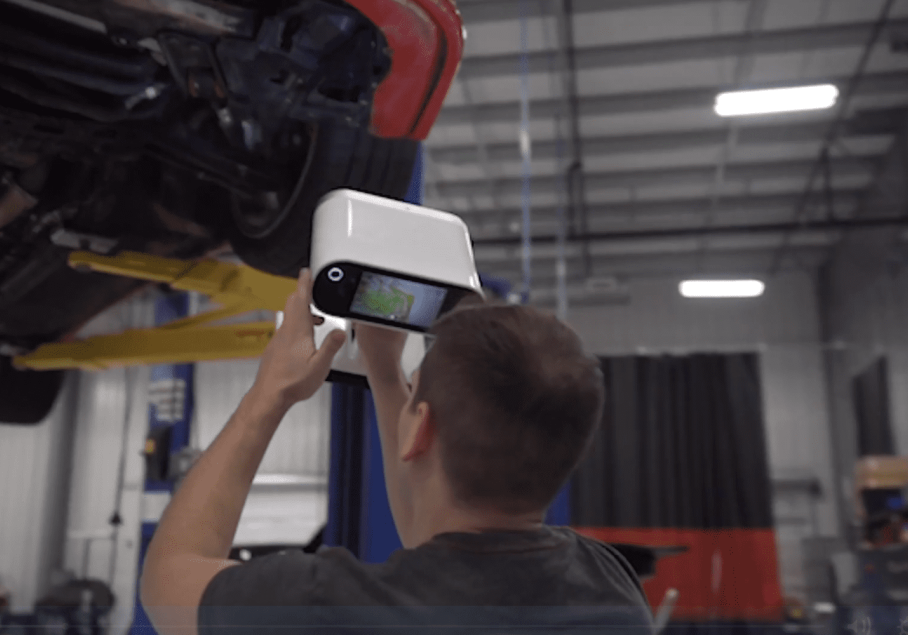
Who is Artec 3D?
Artec create high precision, user-friendly scanners, as well as smart and easy to use 3D software, bursting with a wide range of features.
Lightweight, mobile and compatible with several popular tablets, Artec 3D manufacture scanners to be used absolutely anywhere to ensure a smooth capturing process without having to relocate objects to a particular place.
Artec’s line of portable, handheld 3D scanners is specifically developed to ensure that they can be used by both new and experienced users alike for multiple applications, providing the most seamless workflow yet. Driven by passion and determination, Artec are constantly improving their 3D solutions to ensure the most cost and time-effective operations for their customers.
Why choose Artec 3D Scanner & Software?
Discover the limitless possibilities of 3D scanning with Artec 3D scanners.
Creating 3D scanning masterpieces requires smart and powerful software to capture, process, analyze and edit data. Now anyone can achieve professional results with the most comprehensive and straightforward 3D scanning software on the market today.
- User-friendly and intuitive interface for smooth, expertly guided 3D scanning
- Quick and easy start-up process. No special positioning requirements, just point and shoot
- Artec Studio software is compatible with tablets as well as 3D sensors, and together with the battery pack for the 3D scanner, you can easily create professional scans anytime and anywhere
- Get high quality scans every time with a smart tracking system that ensures correct movement of the scanner and object capture
- Stop or pause scanning and continue exactly from where you left off, with the smart
auto-continue feature - Achieve equally great results using both manual and Autopilot modes

Artec 3D Overview
Artec 3D Capabilities & Features
Lightweight, mobile and compatible with several popular tablets, Artec 3D scanners can be used absolutely anywhere to ensure a smooth capturing process without having to relocate objects to a particular place.

Artec 3D Scanner Benefits
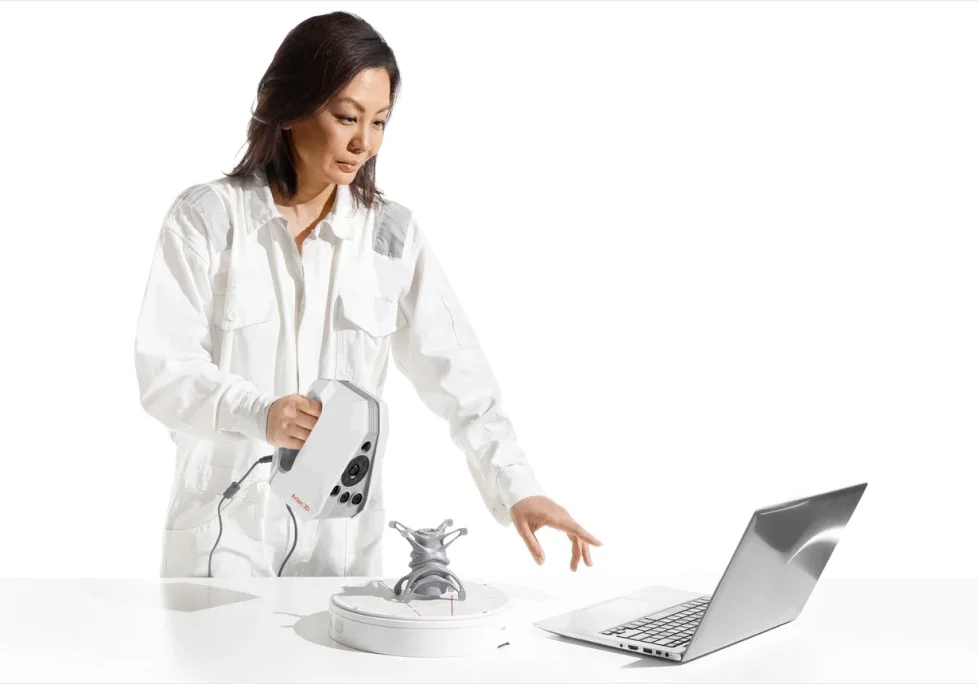
Contact & Target-free scanning
Forget spending extra effort and resources applying 3D scanning targets – Artec 3D scanners simplify the scanning process and reduces setup time while delivering excellent results more efficiently.
Target-free scanning lets you scan with zero contact, ensuring medical settings remain uncontaminated, forensic scenes remain untouched, and restricted areas where targets are prohibited remain accessible.
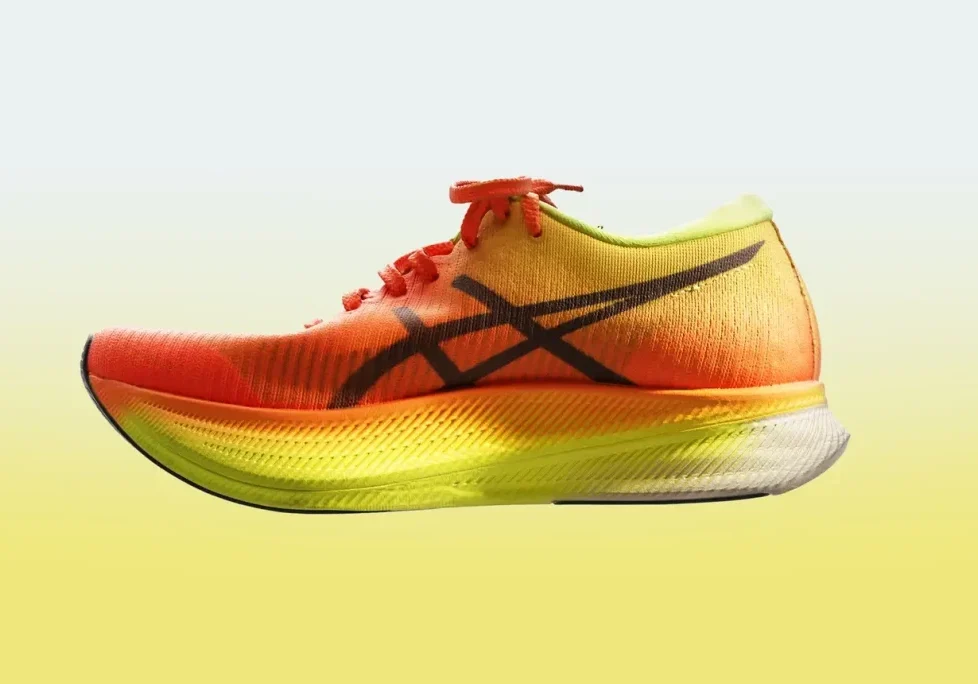
Capture in realistic color
Artec scanners don't just capture in high accuracy, it’s paying attention to texture, too.
Artec scanners are designed to help you capture all surfaces – even those that are notoriously difficult to capture.
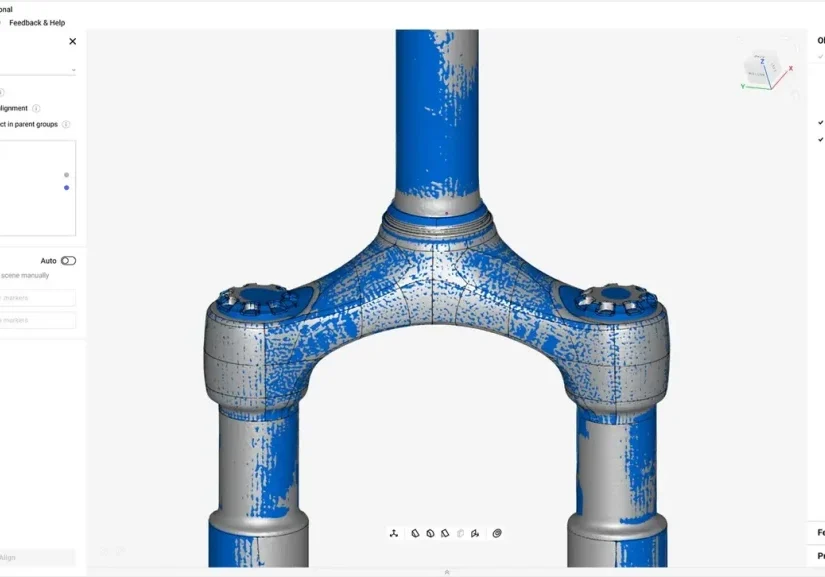
Powerful Software
Professional Artec Studio software handles all the data you capture with ease, letting you choose between automated processing for greater convenience, or the ability to set your own parameters for more advanced users.
Artec Studio releases a new software version every year, so you can enjoy cutting-edge new features that simplify, advance, and renew your workflow, keeping your scanner ahead of the curve, year after year.
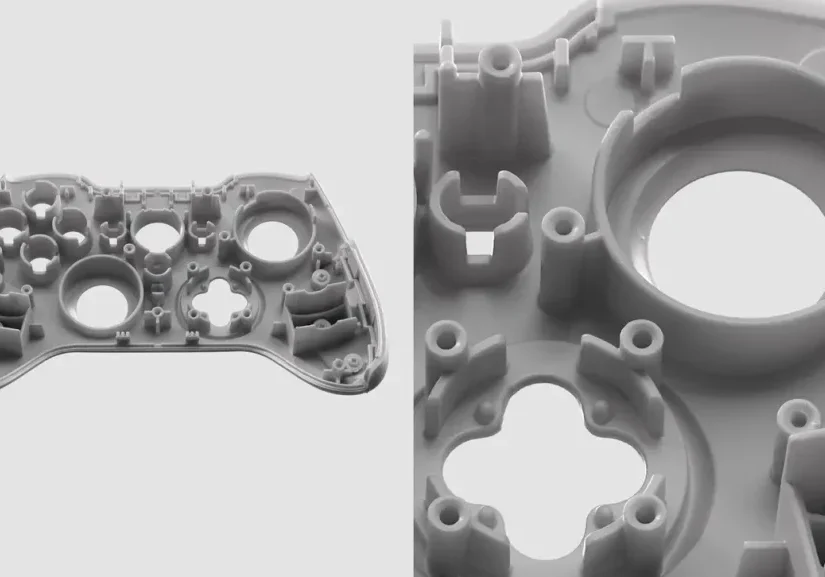
Unparalleled level of detail
Artec 3D scanners combine precise geometric accuracy and color to deliver 3D models unmatched by anything currently on the market.
Such high detail is no longer reserved for tiny parts – everything from small change to parts as large as a car engine are perfectly recreated digitally.
Artec scanners are designed to help you capture all surfaces – even those that are notoriously difficult to capture.
Capturing data is easy with an Artec 3D Scanner
A three step automatic process using advanced software
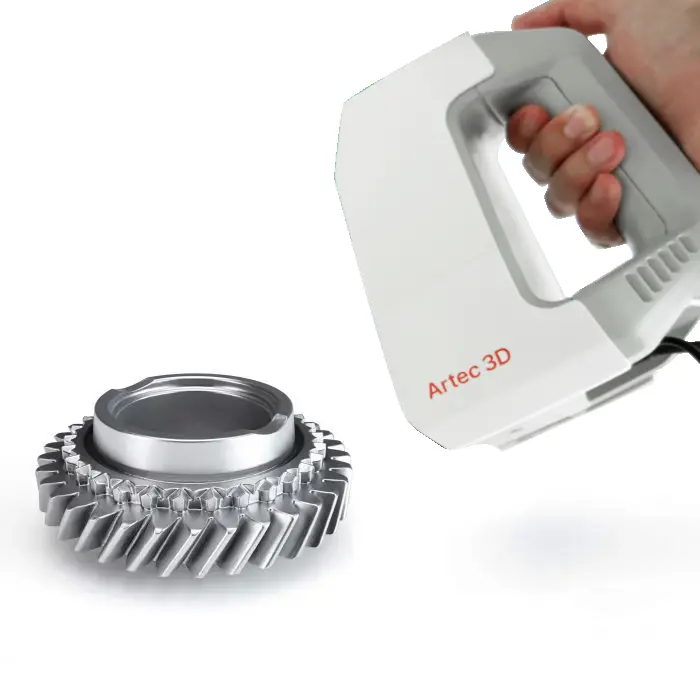
1. Scan the object
No need to prepare your object in advance, just point the 3D scanner and shoot in automatic mode.
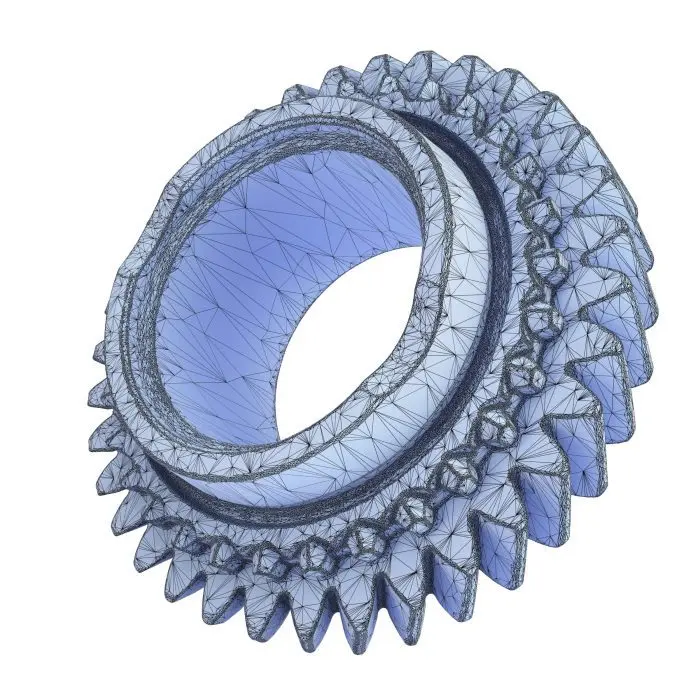
2. Fuse & Optimize
Optimize the size of your final file by reducing the number of polygons from millions to thousands while maintaining the high quality of the mesh.
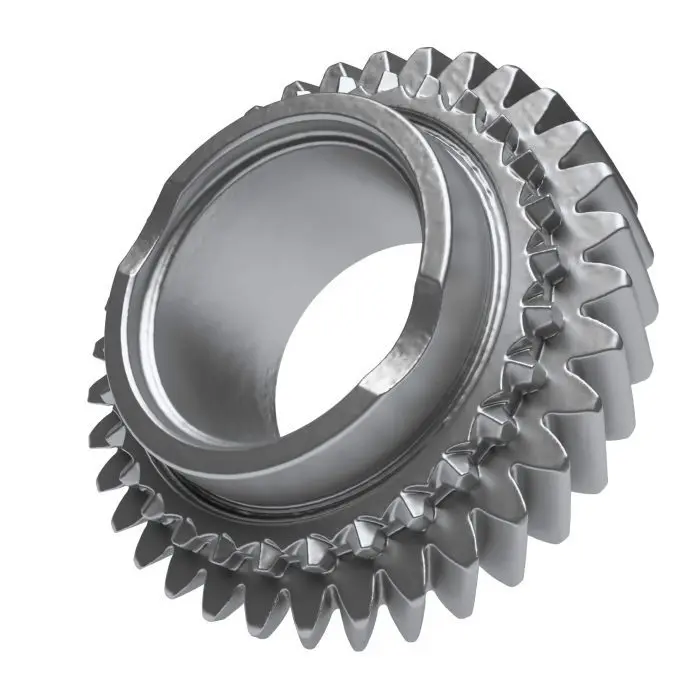
3. Texturize & Export
Add high quality texture to your model in no time! Export to a variety of different CAD systems including SOLIDWORKS.
Recommended Laptop Hardware - Dell Pro Max 18 Plus
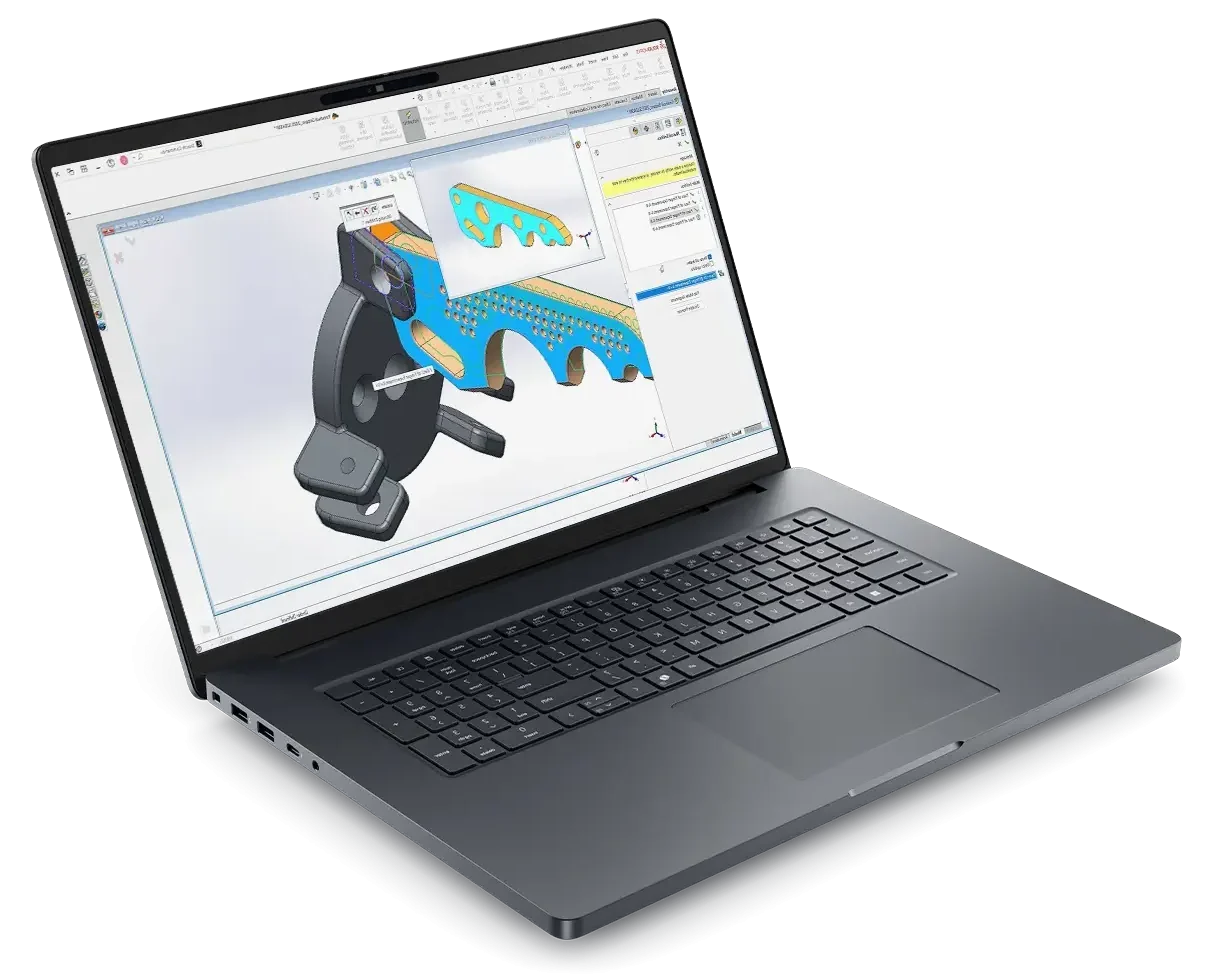
- Processor: Intel® Core™ Ultra 9 285HX 24 core, Turbo Boost up to 5.5GHz (55W)
- Chassis: 18″ QHD+ 2560×1600, 120Hz, 500nits, 100% DCI-P3 screen, 8MP IR Camera
- Operating System: Windows 11 Professional 64-bit
- Memory: 64GB: 2x32GB, DDR5, 6400 MT/s, CSoDIMM RAM
- Graphics Card: NVIDIA RTX PRO 4000 Blackwell 16GB GDDR7 Graphics
- Storage: 2TB Performance SSD Gen5, SED Ready
- Support: 3 years of Dell ProSupport and next business day on-site service

