




What Is Geomagic Control X?
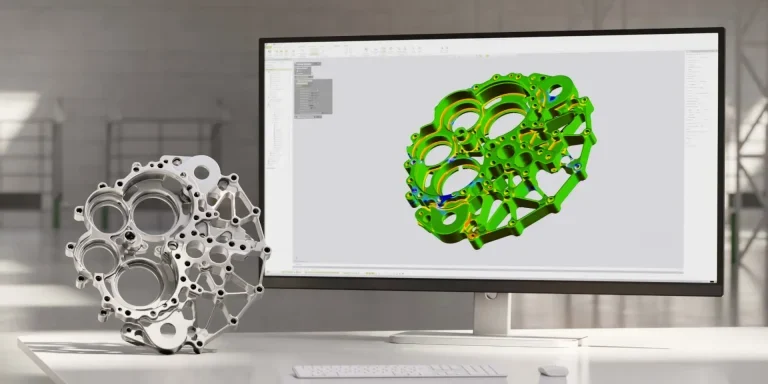
Geomagic Control X is a professional metrology software that lets you capture and process the data from 3D scanners and other devices to measure, understand, and communicate inspection results to ensure quality everywhere.
With Control X, more people in your organization can:
- Measure faster
- Measure more often
- Measure more completely
- Measure anywhere
Ensure Quality Everywhere
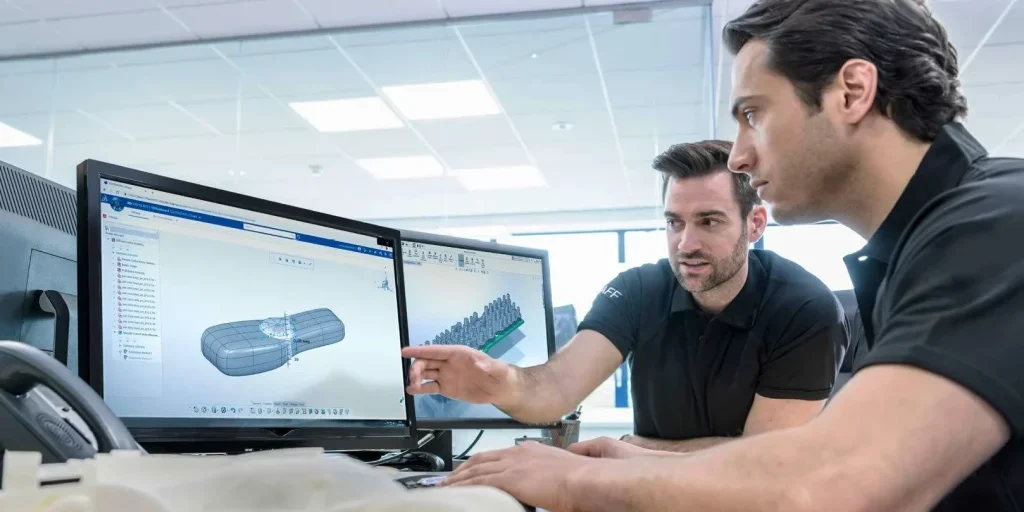
Quality control is crucial in the development of any product. Geomagic® Control X™ delivers the industry’s most powerful tools within straightforward workflows. The software provides quality managers with revolutionary ease-of-use, intuitive, comprehensive controls and traceable, repeatable workflows for the quality measurement process.
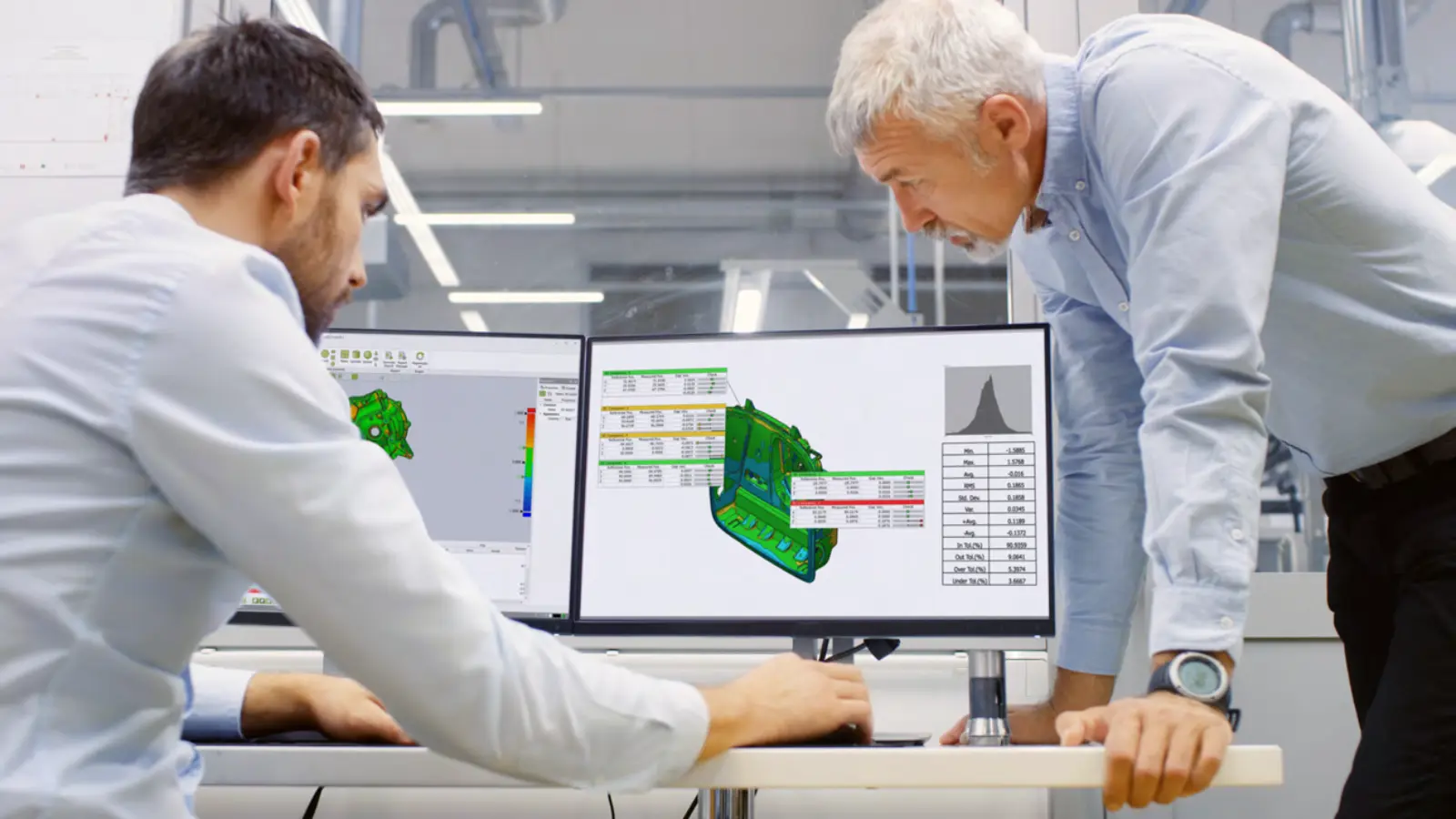
Geomagic Control X’s reporting capability provides rich information and analysis, which enables productivity and quality gains in any manufacturing workflow.
Combined with any professional 3D scanner, Geomagic Control X is a fantastic solution for anyone looking for speed, accuracy and a large variety of tools to choose from.
Geomagic Control X Overview
Geomagic Control X Capabilities

Use Any 3D Scanner with Confidence
Control X was born to work with data from any 3D scanner. We’ve built direct interfaces to many of the most popular systems. You’re set for the future too – add any 3D scanner at any time, without having to learn another software interface.

Compare Scans to CAD
Beautiful, intuitive color maps show you what is in and out of tolerance and by how much. Control X supports myriad comparison techniques, including 3D, 2D cross-section, boundary, curve, silhouette, virtual edge deviation and more. You get native interfaces with PMI for all the major CAD systems tool

Align the Way You Want
Control X has streamlined alignment techniques to cover every inspection scenario:
- Automatic feature based alignment
- Best fit alignment with constraint options
- RPS, datum, and 3-2-1 alignments
- Adaptive and homing alignments

Inspect Surface Damage or Wear
Control X can automatically interpolate what a scanned object’s ideal shape is and measure deviation to quantify even minor surface imperfections.

Compare Scans to Golden Parts
You can scan a golden part and use it as a nominal model to compare back to. Control X treats the scanned nominal just like a CAD model because it automatically adds feature intelligence to every scan (it knows a plane is a plane, for example).

Iterate and Explore to Understand
You can make changes to any part of the inspection process at any time. Try different alignments, different measurements – anything at all – and Control X will recalculate your entire inspection project and show you updated results in an instant.

Clear, Interactive 3D Reports
Build reports the way you want with templates. And don’t worry if you decide to change or add something later – reports update automatically. Monitor changes over time with trend analysis. Share reports with 3D PDF, so everyone can view on their PC, Mac, or phone – no special software required.

Automate the Entire Process
Every aspect of your inspection project is recorded in Control X’s model manager. Additional parts can be inspected with a few clicks – or no clicks at all, thanks to the included batch processing app that can run in parallel on multiple PCs.

Measure Dimensions Instantly
Because Control X automatically recognizes features in nominal models (regardless of whether they’re CAD models or scans of golden parts), measuring dimensions in 2D or 3D is incredibly quick and easy.

Combine 3D Scans with Hard Probing
Get the best of both worlds – non contact scanning and contact probes – in one integrated software interface.
Use LiveInspect™ to perform walk-up inspection or pre- planned inspection with graphical and audio guidance.

2D and 3D GD&T
With extensive Geometric Dimensioning & Tolerancing tools, you can analyze size, form, orientation, and location of features
according to the ASME Y14.5M standard. Control X measures:
- Linear, angular, radial, elliptical, bore depth, counterbore, countersink, and thickness
- Straightness, flatness, circularity, cylindricity, parallelism, perpendicularity, angularity, position, concentricity, symmetry, line profile, surface profile, runout, and total runout

Analyze Airfoils
Control the quality of turbines, blisks, blings or blades with the included airfoil analysis tools. Control X automates the measurement of:
- Airfoil profile
- Leading and trailing edge position & thickness
- Camber line
- Chord angles and length 2D twist analysis
Using Geomagic Control X with Artec 3D scanners
Paired with Artec industry-leading 3D scanning hardware and software, Geomagic Control X is the ultimate rapid, in-depth quality inspection solution.
Quick and easy to use
With fast, agile Artec 3D scanning, you can precisely capture the most complex parts up to seven times quicker than with CMM machines. Then upload to Control X and get quality results with little training using an intuitive UI and scan-native algorithms.
Inspect for 80% less
Feed high-quality Artec 3D scans into Control X and benefit from reported cost reductions of up to 80%, due to time and labor savings gained from automating data processing.
Digitize your inventory
Make future inspections faster and more regular by 3D scanning products and turning them into digital design files that can be analyzed and modified at a moment’s notice.
Contact-free inspection
Don’t risk damage, switch from probe-based CMM and target-dependent scans to Artec 3D scanning and Control X analysis, for contactless inspection that won’t mark products.
Streamline your analysis
Quickly create realistic, accurate 3D replicas of physical objects and compare these to original CAD designs in fine detail, via a single, streamlined Artec-Geomagic workflow.
An all-in-one solution
No need to pay for CAD importers, airfoil analysis tools, or mesh editing extras, send scans to Control X and you’ll have everything needed to carry out industrial-grade inspection.
Artec Studio integration
Take advantage of unique Control X macros and complete inspection tasks inside the same intuitive Artec Studio interface you use to process scan data.
Cross-Artec compatibility
As Control X is 3D scanner agnostic, the software can be used to analyze data captured by any device in the range of Artec 3D Scanners, including Leo, Eva, Space Spider, Micro II, or Ray II.
Geomagic Control X Packages
Geomagic Control X offers three software packages to best fit your inspection needs
| Feature | Essentials | Essentials Connect | Professional |
|---|---|---|---|
| Comprehensive Inspection Tools (Import, Edit, Align, Extract, Compare) | ⬤ | ⬤ | ⬤ |
| Reporting Tools | ⬤ | ⬤ | ⬤ |
| Repeatable Inspection Routines | ⬤ | ⬤ | ⬤ |
| Direct Plugin Scanning | ⬤ | ⬤ | |
| Portable Metrology Device Support and Tools | ⬤ | ⬤ | |
| Automated Inspection | ⬤ | ||
| Multi-Result Inspection | ⬤ | ||
| Surface Defect Inspection Tools | ⬤ | ||
| Native CAD Importer | ⬤ | ||
| Airfoil Analysis | ⬤ | ||
| Visual Scripting | ⬤ |
Geomagic Control X FAQs
Recommended Laptop Hardware - Dell Pro Max 18 Plus
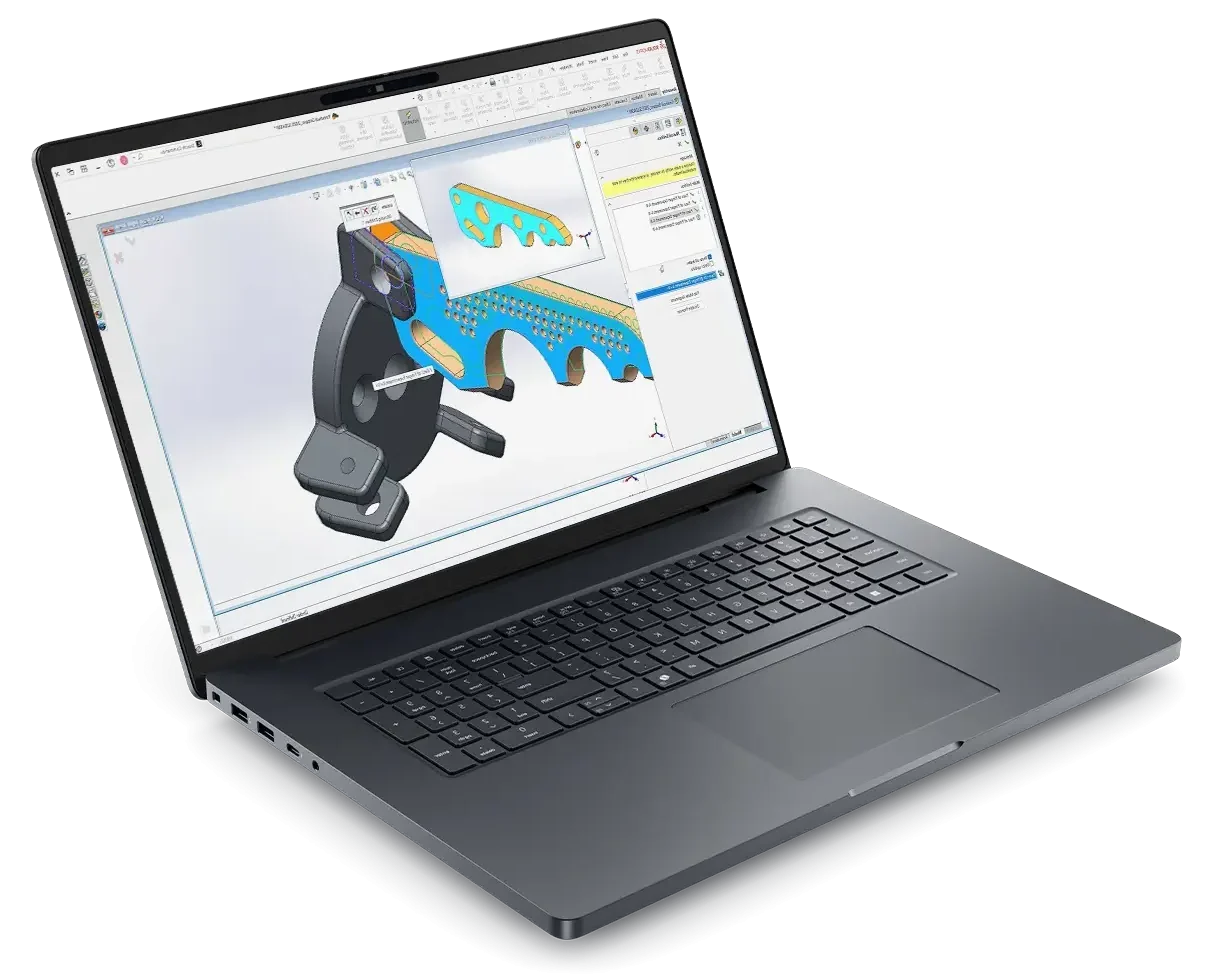
- Processor: Intel® Core™ Ultra 9 285HX 24 core, Turbo Boost up to 5.5GHz (55W)
- Chassis: 18″ QHD+ 2560×1600, 120Hz, 500nits, 100% DCI-P3 screen, 8MP IR Camera
- Operating System: Windows 11 Professional 64-bit
- Memory: 64GB: 2x32GB, DDR5, 6400 MT/s, CSoDIMM RAM
- Graphics Card: NVIDIA RTX PRO 4000 Blackwell 16GB GDDR7 Graphics
- Storage: 2TB Performance SSD Gen5, SED Ready
- Support: 3 years of Dell ProSupport and next business day on-site service
Related Products
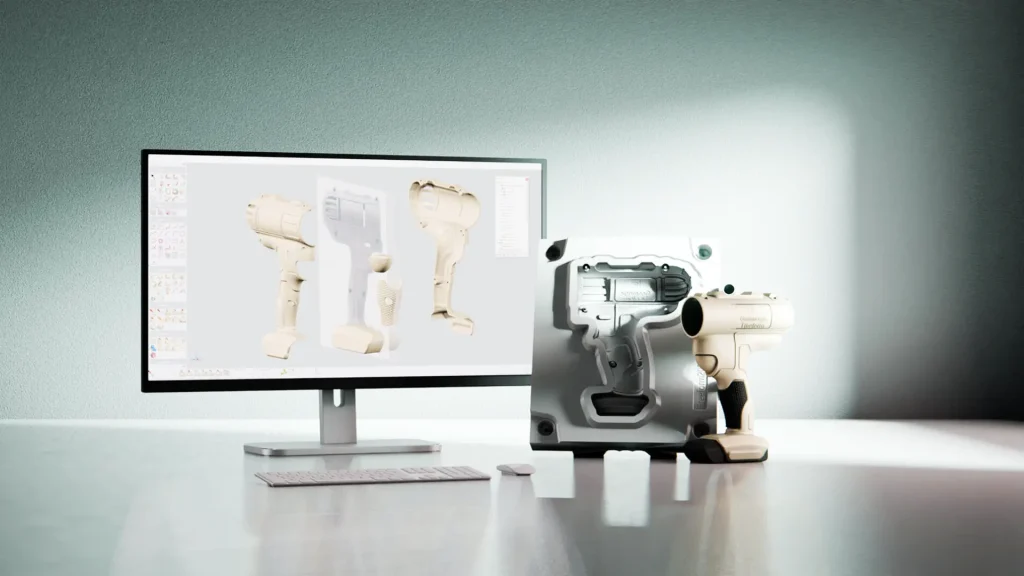
Geomagic Freeform
Geomagic Freeform is surfacing and meshing software used to create complex sculptural and organic forms that are often too complex for traditional CAD systems.
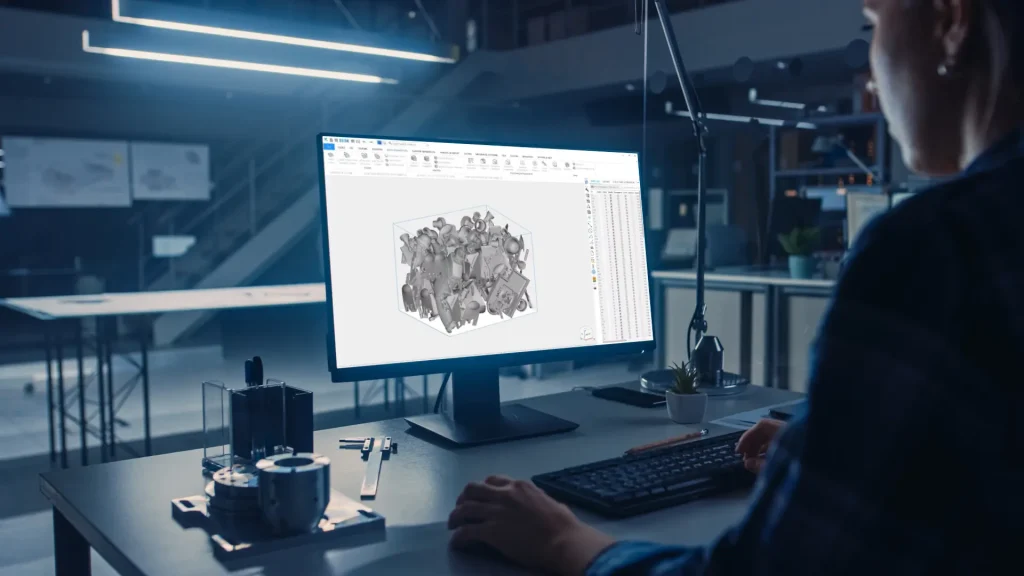
Materialise Magics
Materialise Magics software is a powerful data and build preparation set of tools for 3D printing
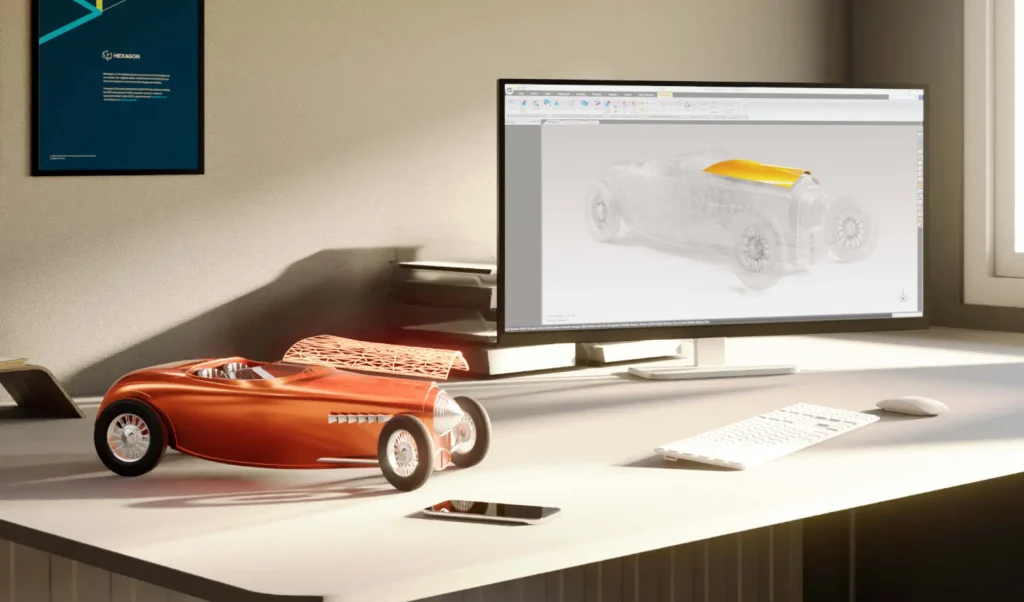
Geomagic Wrap
A powerful toolbox for transforming 3D scan data of complex, organic shapes into accurate, usable 3D models.