




Capture your 3D data
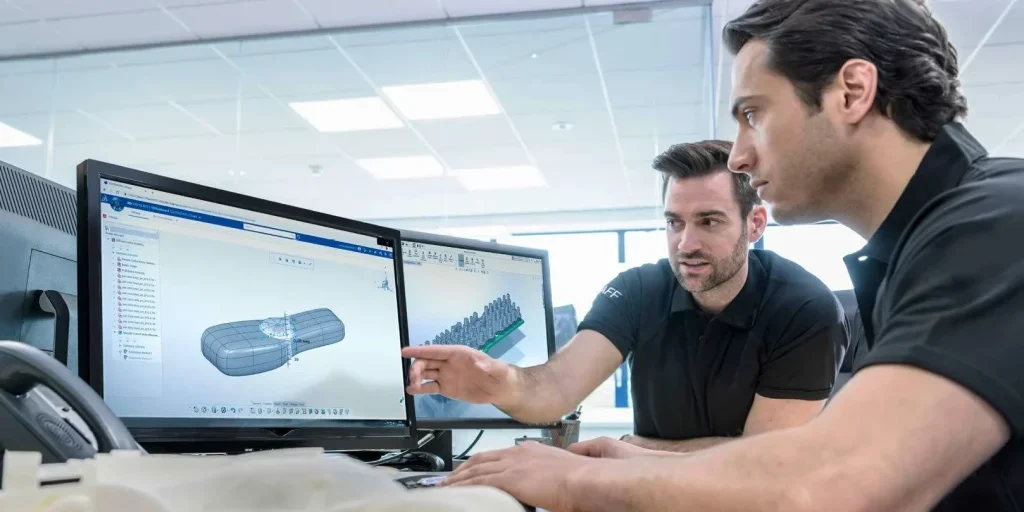
Creating 3D scanning masterpieces requires smart and powerful software to capture, process, analyze and edit data. Now anyone can achieve professional results with the most comprehensive and straightforward 3D scanning software on the market today.
How does Artec Studio work?
Whether you are new to 3D scanning and require step-by-step guidance in 3D data processing, or are an experienced user looking to speed up your workflow, Artec Studio’s breakthrough automated processing features set a new horizon in 3D scanning.
Artec Studio also features a full range of tools for you to process your 3D model manually, giving you full control over your data.
Artec Studio Overview
Artec Studio Capabilities
Making accurate 3D models has never been easier


High precision
Whether you choose Autopilot or manual mode, Artec Studio never compromises on precision.
Easy scanning
Artec Studio’s best in class texture and geometry tracking means you don’t need to put targets on your object. Just point and shoot!
Tablet compatible
Scan and process your data all on a tablet! Add to this the Artec battery pack and you have a fully mobile 3D scanning solution!
Powered by AI
Easily capture hard-to-reach areas, sharp edges, and small and thin elements in high-resolution 3D with Artec Studio’s AI neural engine.
Direct export to CAD
Artec Studio features direct export to Design X and SOLIDWORKS, making the scan to CAD process even easier.
Compact data compression
Artec Studio features a full range of advanced settings giving experienced users full control and flexibility.
Artec Studio Workflows
Scanning & processing
Capture any physical object with a 3D scanner, create an accurate and high-resolution 3D model.

Essential workflows
Convert scan data to CAD for reverse engineering or inspection, or prep it for animation and CGI.

Integrations
Export your data to any industry-leading reverse engineering, inspection, or 3D modeling software.

Artec Studio Benefits
3D scan black, shiny, or fine areas
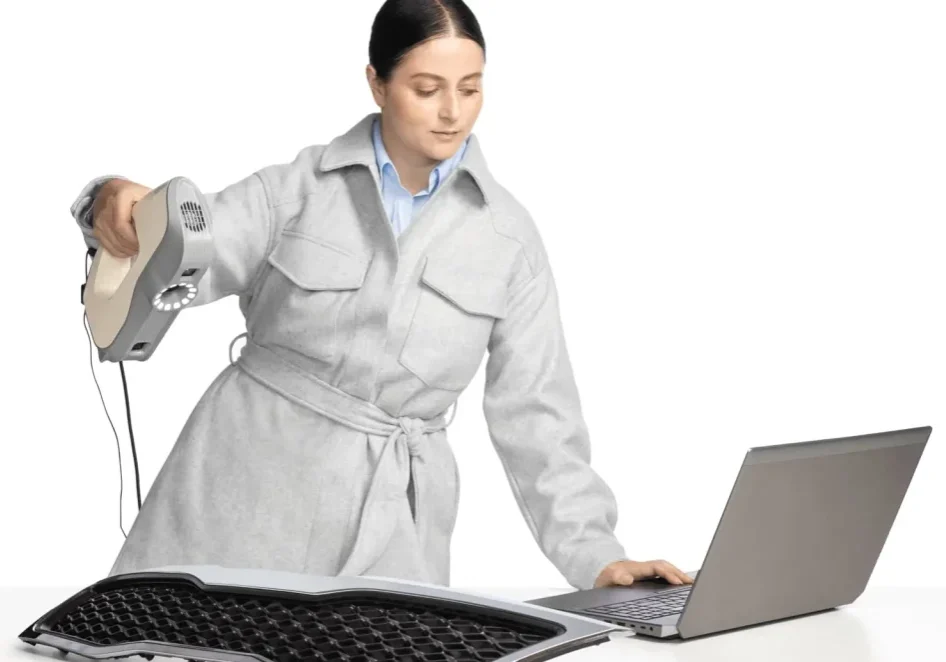
Artec Studio analyzes the surface of your object and automatically adjusts the sensitivity of your scanner to pick up areas that are tricky for 3D scanning. As a result, even new users can digitize black, shiny objects, or hair with ease.

HD Mode
If you’re after the highest quality, we’ve got good news: Artec Studio operates in High-Definition Mode. Step up your scanning with Artec Leo and Eva to capture high-resolution HD data for ultra-sharp, clean, and detail-rich scans.

Scan-to-CAD for reverse engineering
The right features can make scan-to-CAD for reverse engineering a breeze, and that’s exactly what you’ll get with Artec Studio. Expect CAD-editing tools for hybrid reverse engineering, high-speed alignment, boolean operations, automatic scan-to-CAD conversion, and advanced plane functionality for quick and excellent results. Export your scans and CAD objects to SOLIDWORKS in just one click.

Advanced quality inspection. Streamlined.
When it comes to quality inspection, Artec Studio offers the tools you need for streamlining your pre-production, inline, and final inspection workflows: precise measurements, fast, accurate mesh-to-CAD alignment, and mesh-to-mesh or mesh-to-CAD deviation maps.

Picture-perfect CGI with photogrammetry + scan data
Create accurate, high-res, and picture-perfect 3D models ready for use in CGI, VR/AR, and animation. In Artec Studio, you can now combine your scan data and photogrammetry all in one place for both best-quality texture and highly accurate geometry.

Sync scans seamlessly with Artec Cloud
Synchronize your workflow with Artec Cloud, backing up and sharing Artec Studio projects in a single click, so you can work remotely, collaborate on a single unified platform, and utilize a revamped UI to establish a 3D scan processing HQ.
Artec Studio Technical Specifications
| Import formats | CAD formats | SAT, STEP, IGES, X_T |
|---|---|---|
| Artec 3D format | A3D | |
| Export formats | Mesh | OBJ, PLY, WRL, STL, AOP, ASC, USD, Disney PTEX, E57, XYZRGB, USDZ |
| Point cloud (Artec Ray & Ray II only) | PTX, BTX, XYZ | |
| Reference targets | OBC | |
| Measurements | CSV, DXF, XML | |
| CAD | STEP, IGES, X_T | |
| Hardware support | 3D scanners compatible with Artec Studio 19 | Artec Eva, Eva Lite, Leo, Metrology Kit, Micro II, Point, Ray II, Spider II, plus discontinued models: Micro, Ray, Spider, Space Spider, Medit D700, MH and MHT series AG, AC, W2, and T2 |
| System requirements | Supported OS | Windows 10 x64, Windows 11 |
| Recommended computer parameters | 13th or 14th Gen Intel Core i7 or i9 processors, RTX 4070 8 GB | |
| Minimum computer requirements | 12th Gen Intel Core i9 processor, RTX 4060 8 GB |
Choose the plan that works for you
Get a lifetime license or an annual subscription with regular software updates, and technical support
Lifetime License
One-time payment for lifetime Artec Studio only access.
Includes any updates to Artec Studio.
Excludes updates to subsequent versions.
Annual Subscription
Always have the latest version of Artec 3D’s advanced scanning, processing, and editing software.
Major software updates released yearly, including new features and improved algorithms.
Keep your Artec 3D scanner ahead of the game.
Artec 3D Scanners
Discover the 3D scanners that work with Artec Studio
Capturing data is easy with an Artec 3D Scanner
A three step automatic process using advanced software

1. Scan the object
No need to prepare your object in advance, just point the 3D scanner and shoot in automatic mode.
2. Fuse & Optimize
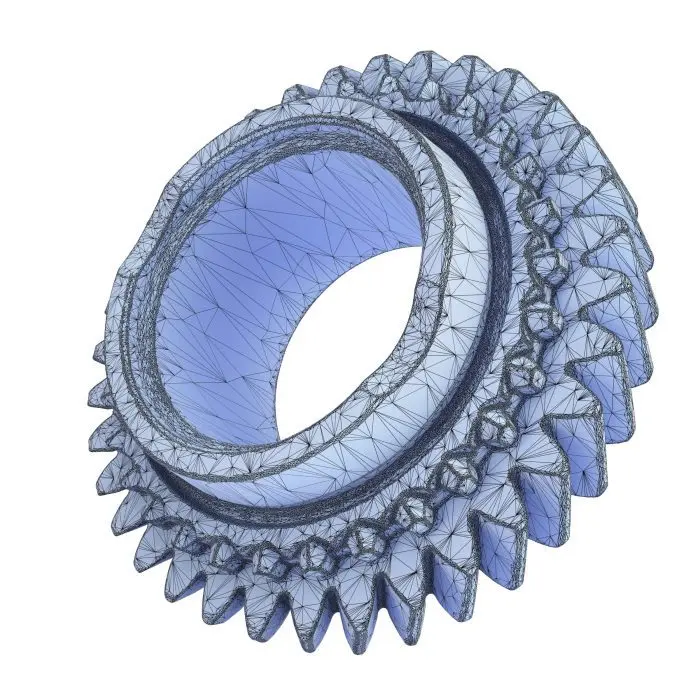
Optimize the size of your final file by reducing the number of polygons from millions to thousands while maintaining the high quality of the mesh.
3. Texturize & Export
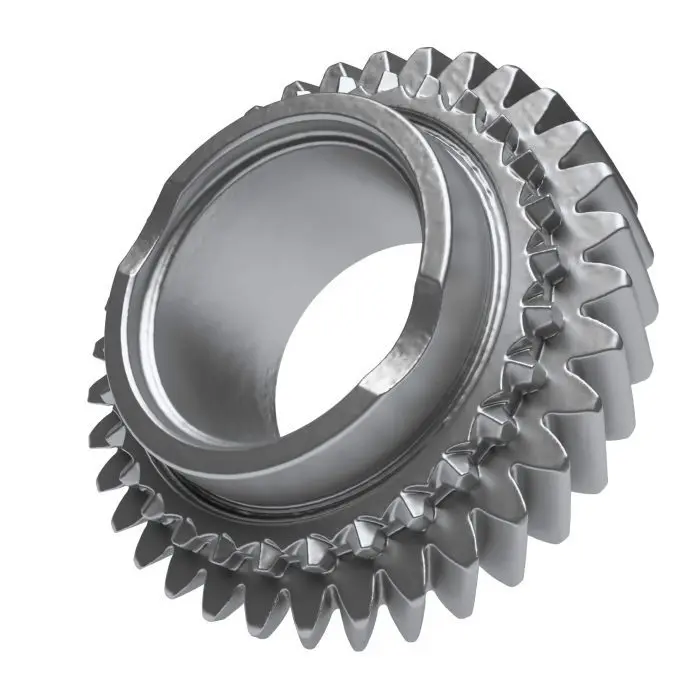
Add high quality texture to your model in no time! Export to a variety of different CAD systems including SOLIDWORKS.
Recommended Laptop Hardware - Dell Pro Max 18 Plus
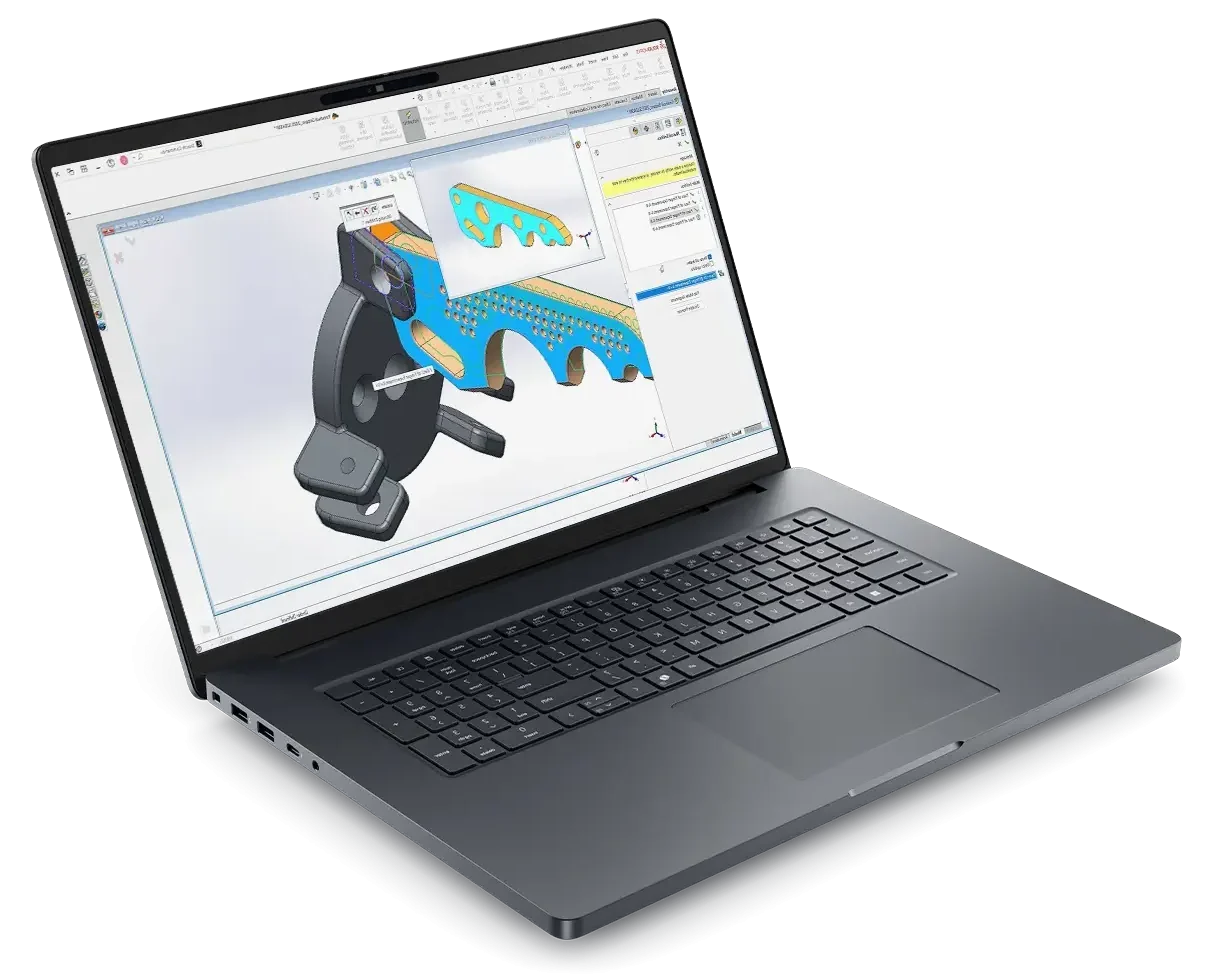
- Processor: Intel® Core™ Ultra 9 285HX 24 core, Turbo Boost up to 5.5GHz (55W)
- Chassis: 18″ QHD+ 2560×1600, 120Hz, 500nits, 100% DCI-P3 screen, 8MP IR Camera
- Operating System: Windows 11 Professional 64-bit
- Memory: 64GB: 2x32GB, DDR5, 6400 MT/s, CSoDIMM RAM
- Graphics Card: NVIDIA RTX PRO 4000 Blackwell 16GB GDDR7 Graphics
- Storage: 2TB Performance SSD Gen5, SED Ready
- Support: 3 years of Dell ProSupport and next business day on-site service
Related Products
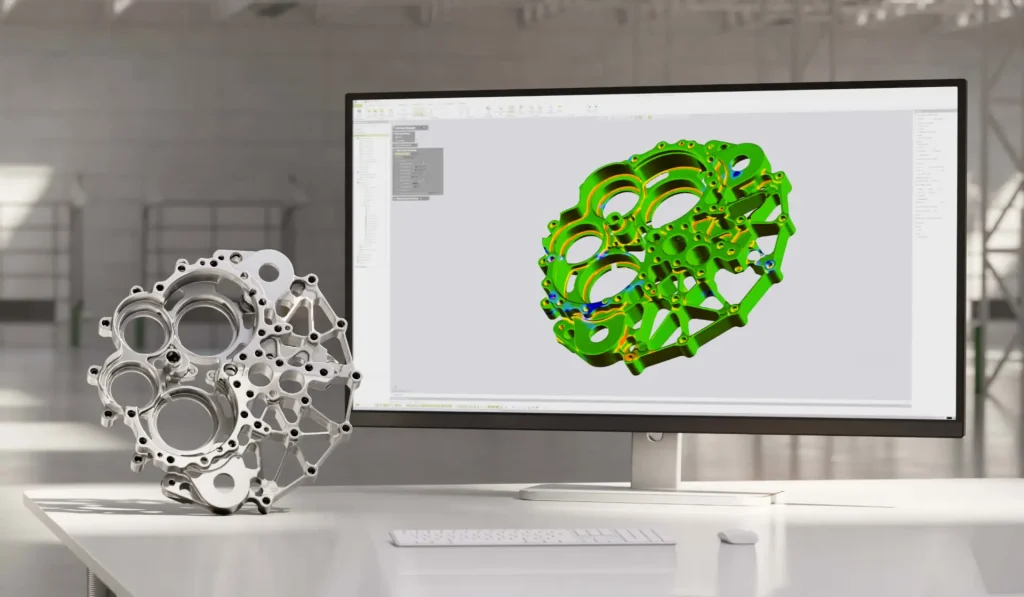
Geomagic Control X
A complete metrology grade, quality control software that’s equipped with powerful tools designed to improve multiple existing workflows

Geomagic Design X
Industry-leading reverse engineering software for converting 3D scan data into feature-based and editable solid CAD models.

Geomagic for SOLIDWORKS
A complete integrated Scan-to-SOLIDWORKS model solution. From point cloud to complete CAD design file, directly inside of SOLIDWORKS.