




Hexagon
Hexagon is a software company solving today’s manufacturing challenges by combining state-of-the-art AI, cloud, simulation, and the best in CAD/CAM technology for additive production, and 3D scanning.
Manufacturing Software
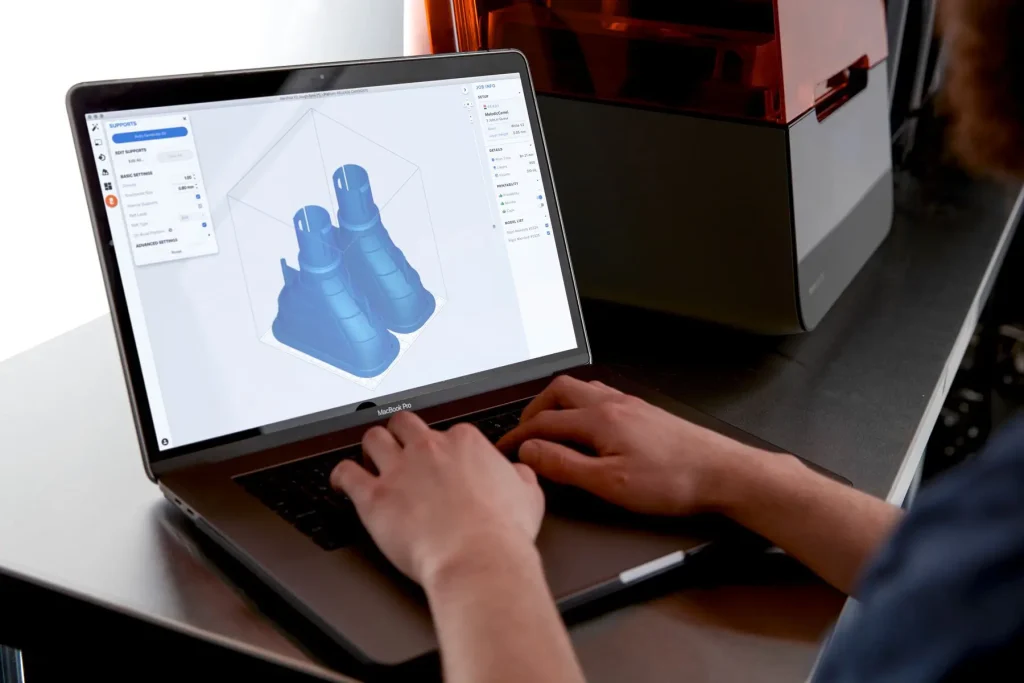
TriMech manufacturing software offerings provide tools for 3D design, accurate reverse engineering, rigorous inspection, efficient 3D scanning, and precise meshing
Geomagic Freeform
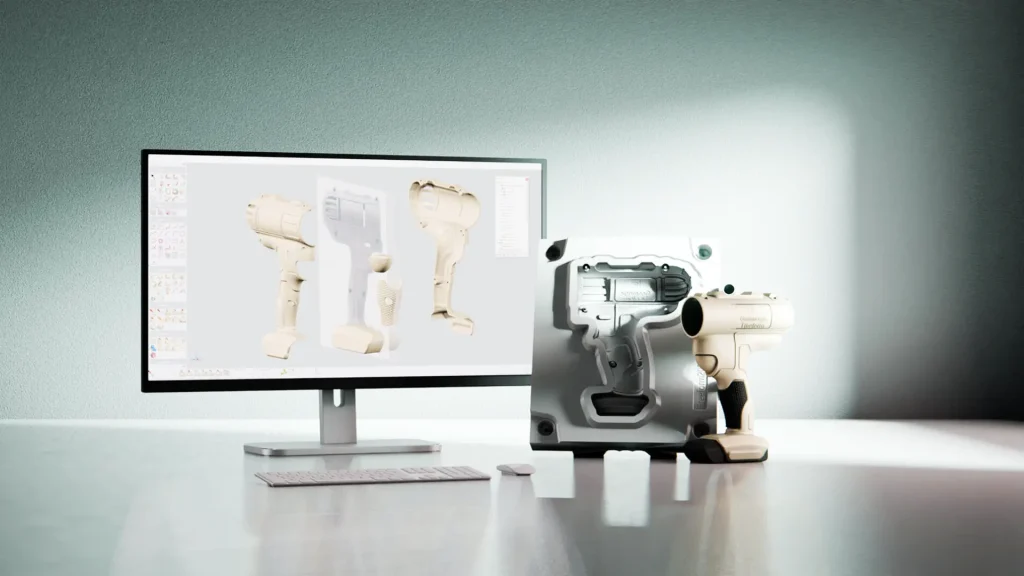
Geomagic Freeform is surfacing and meshing software used to create complex sculptural and organic forms that are often too complex for traditional CAD systems.
Artec 3D Scanner Price List
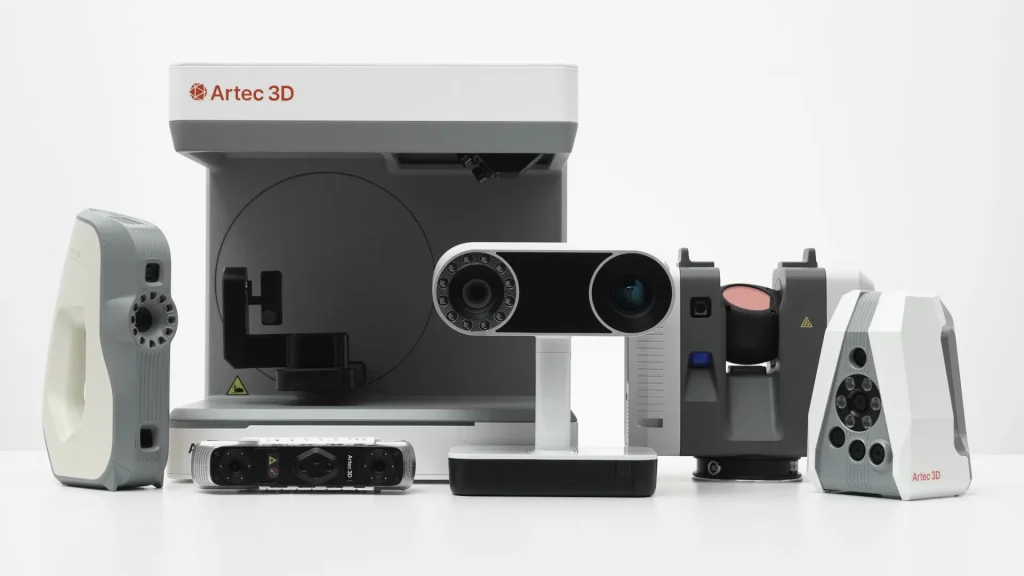
Artec 3D scanners are used in many different industries for reverse engineering and inspection. Download our Artec 3D scanner price list today.
Artec Geomagic Bundles
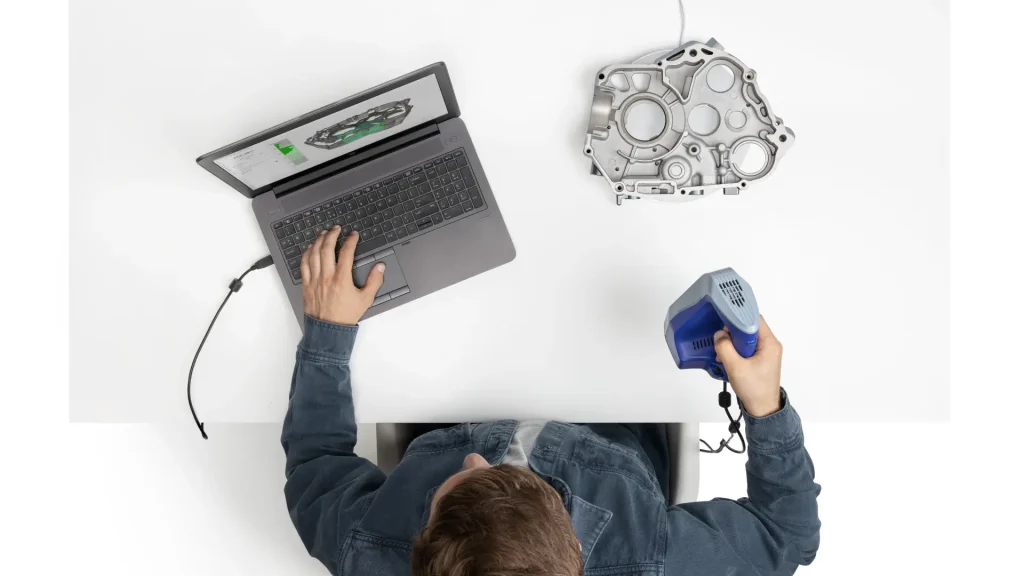
Maximize on value with an Artec Geomagic bundle with your choice of Artec 3D Scanner and Geomagic reverse engineering software.
Geomagic Wrap
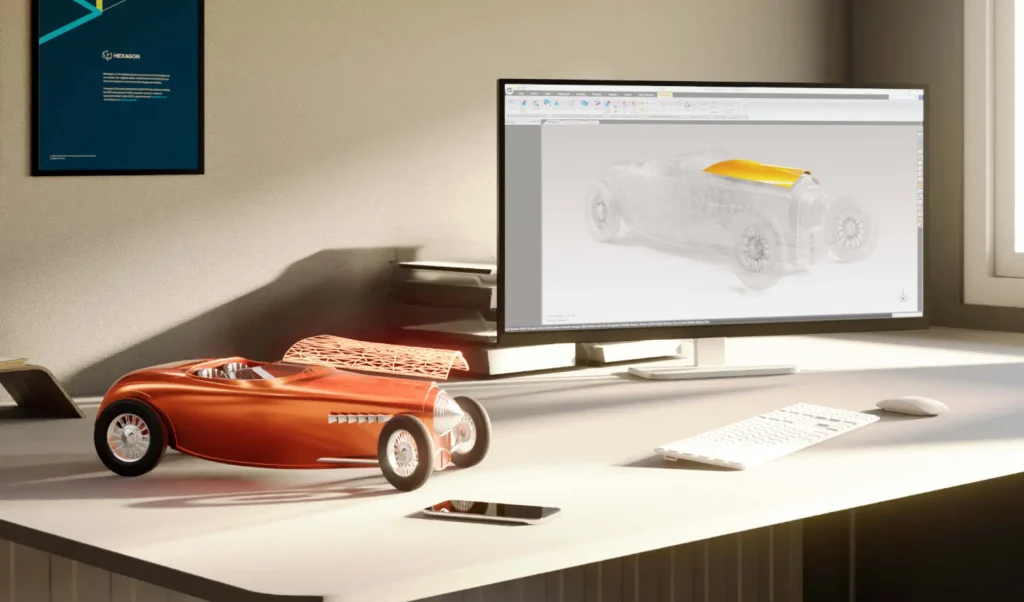
A powerful toolbox for transforming 3D scan data of complex, organic shapes into accurate, usable 3D models.
Geomagic Control X
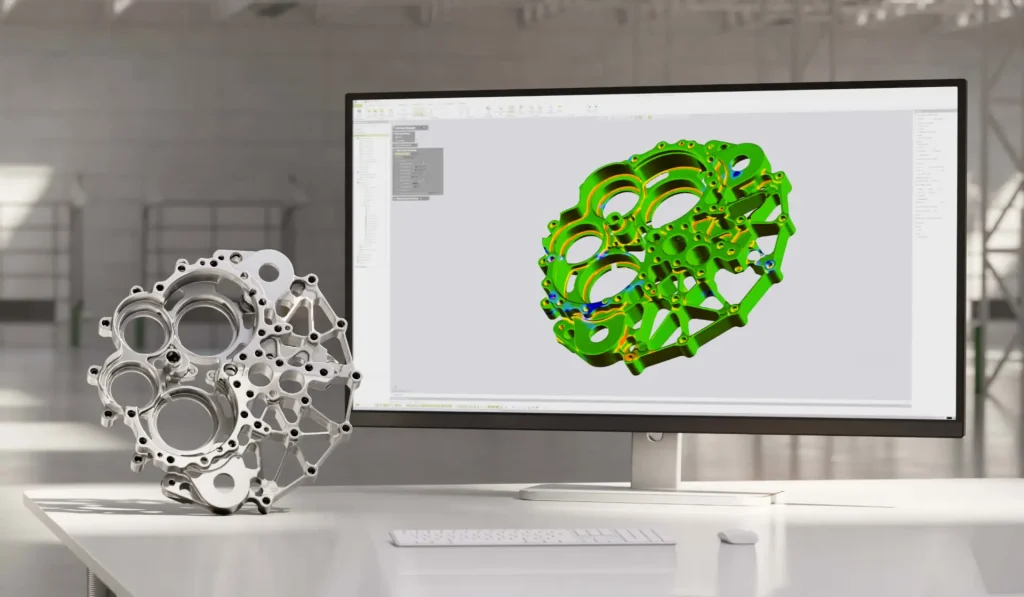
A complete metrology grade, quality control software that’s equipped with powerful tools designed to improve multiple existing workflows

Geomagic Design X
Industry-leading reverse engineering software for converting 3D scan data into feature-based and editable solid CAD models.

Geomagic for SOLIDWORKS
A complete integrated Scan-to-SOLIDWORKS model solution. From point cloud to complete CAD design file, directly inside of SOLIDWORKS.

Geomagic Freeform: Virtual 3D Modelling Design & Sculpting Software
TriMech’s 3D Scanning Solution Specialist, Brian Metzger and Geomagic Freeform Product Owner, Dave DiPinto, give a brief overview of Geomagic Freeform while covering two common workflows
An Introduction to Post Processing of 3D Scan Data
3D Scanning is a powerful tool for capturing complex geometric parts for manufacturing, design, and engineering applications. But how do you work with the 3D scan data?

How to Reorient a 3D Scan Coordinate System in Geomagic for SOLIDWORKS
Learn how to fix an imported part orientation to the 3D Scan Coordinate System using Geomagic for SOLIDWORKS

How to Post Process 3D Scan with Artec Studio and Geomagic Control X
In this blog, we are going to demonstrate how to post process 3D scan data using Artec Studio and Geomagic Control X. We are going to scan a control arm that has been cast.

Post Processing 3D Scans with Artec Studio and Geomagic Control X
In this video, we demonstrate post processing 3D scans data using Artec Studio and Geomagic Control X.

How to Capture Hole Dimensions when 3D Scanning
Learn how to capture hole dimensions when 3D scanning your parts and components.

Reverse engineering and modification with Geomagic software
Reverse engineering is important to many different industries including manufacturing, automotive, and aerospace. It has a wide range of applications that include product design, customization, and 3D documentation. It is a commonly used technique for…