






Cory Green
3D Scanning Product Manager
Cory Green is a 3D Scanning Product Manager at Javelin Technologies/TriMech. He is a specialist in integrating advanced metrology and 3D scanning solutions into engineering workflows.
Before his current leadership position, he worked as an Applications Engineer at Cimetrix Solutions and held engineering roles at companies like Multimatic and Kenmark Snowsports.
3D Scanning & Metrology: Cory is a leading expert on Artec 3D scanning hardware. He holds multiple “Gold Certified Scanning Specialist” titles (2021–2023), reflecting his advanced proficiency with professional-grade scanners like the Artec Leo and Artec Spider.
- Mechanical Design: Cory is a Certified SOLIDWORKS Professional (CSWP) in Mechanical Design, allowing him to bridge the gap between physical scan data and digital CAD models.
- Business Strategy: Cory holds a Master of Business Administration (MBA) from the Australian Institute of Business, which supports his role in product management and strategic technical implementations
Content from Cory Green
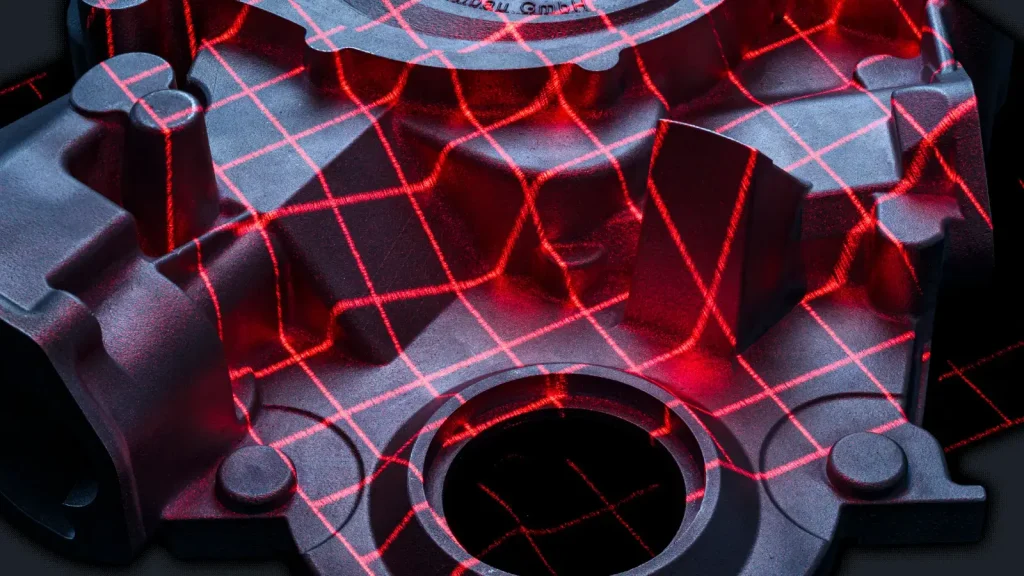
5 Tips to Simplify Using 3D Scanning Targets
 By Cory Green
In this article, we will cover why 3D scanning targets are necessary for some scanners and not others, and tips for using targets to make the process quick and easy.

How to Post Process 3D Scan Data for import into SOLIDWORKS
By Cory GreenIn this video I demonstrate how to scan large structures and post process the 3D scan data for SOLIDWORKS. I traveled to a local yacht club and used the Artec Leo 3D scanner to scan a large marine travel lift.

Quickly Learn the Artec Studio Mouse Commands
By Cory GreenIn this video tech tip, we’re going to walk through some of the basic Artec Studio mouse commands.

Artec Studio Positioning Tool Coordinate System Rough and Precise Alignment
By Cory GreenIn this video tech tip learn how to use the Rough Positioning and Precise Artec Studio Positioning Tool.

How to Create Geometry in Artec Studio to Reverse Engineer Mechanical Parts
By Cory GreenHow to construct scanned geometry / create geometry in Artec Studio so you can easily reverse engineer mechanical parts. For this example, I’m using a cast rotor baseplate.

How to Post Process 3D Scan with Artec Studio and Geomagic Control X
By Cory GreenIn this blog, we are going to demonstrate how to post process 3D scan data using Artec Studio and Geomagic Control X. We are going to scan a control arm that has been cast.

Post Processing 3D Scans with Artec Studio and Geomagic Control X
By Cory GreenIn this video, we demonstrate post processing 3D scans data using Artec Studio and Geomagic Control X.

How to Scan Egg McMuffin with Artec Space Spider: A 10-Step Guide
By Cory GreenIn this video we are going to be scanning a McDonald’s egg McMuffin from start to finish using the Artec Space Spider. The Space Spider is a high-resolution 3D scanner based on blue light technology. It…
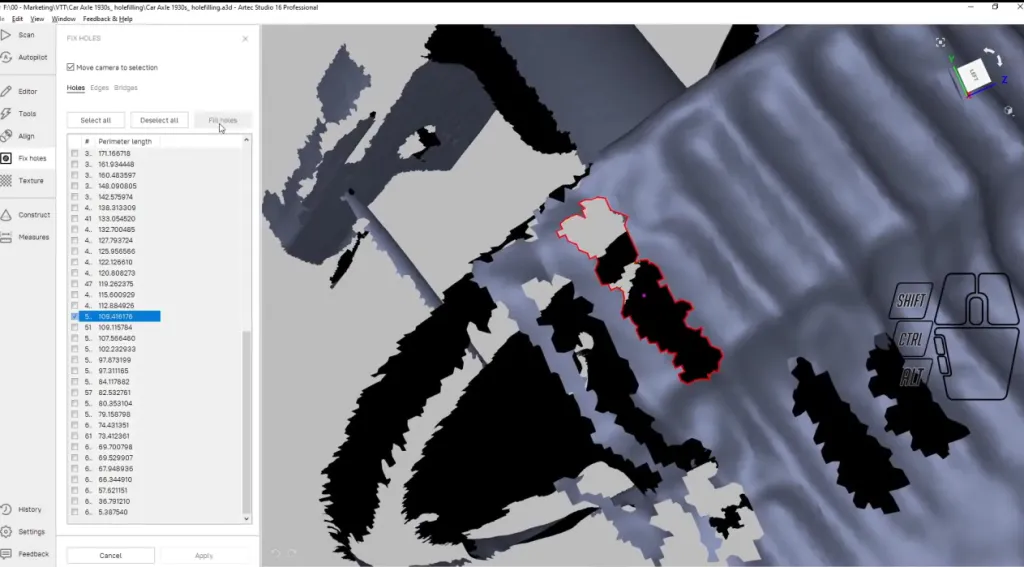
3D Hole Filling Options In Artec Studio
By Cory Green3D Hole filling is good practice when creating a good looking mesh. It’s essential for 3D printing because, without a “watertight” mesh, the printing software won’t know what to print.

How to Erase Overlapping 3D Scan Data
By Cory GreenLearn how to use multiple scanners to capture Overlapping 3D Scan Data for large areas and fine detail.

Our Products
Need a 3D Scanner, Printer or CNC Machine?
Complete our contact form or speak to an expert at 888.392.0957
Our Services
Learn more about our Manufacturing Services
Discover services to Design > Make > Finish your product