






Brian Metzger
Sales Engineer, 3D Measurement Solutions
Brian Metzger has been an Application Engineer with TriMech since 2013. He received his CSWP in 2013 and became an Elite AE in 2015. He is the Technical Lead on 3D scanning and is an expert with simulation products.
Before joining TriMech in 2013, he worked as a Mechanical Engineer at Nucsafe (focusing on X-ray design) and a Senior Engineer at Savannah River Remediation.
- Hardware Specialist: Brian is a lead expert on high-end hardware, specifically Artec 3D (such as the Leo and Ray) and ZEISS scanners.
- Software Proficiency: Expert in processing scan data using Artec Studio, Geomagic Control X (for metrology and inspection), and Geomagic Freeform.
- Applications: Specialized in Reverse Engineering, Quality Assurance/Quality Control (QA/QC), and dimensional inspection to replace traditional manual measurements with automated scans
- Master of Science (MS) in Mechanical Engineering from North Carolina State University
- SOLIDWORKS Expert: Certified as a CSWP (Certified SOLIDWORKS Professional) and provides expertise in SOLIDWORKS Simulation, Flow Simulation, and Plastics.
- Elite Application Engineer, a prestigious title held by engineers who have passed over 25 additional exams in design, simulation, and data management
Content from Brian Metzger
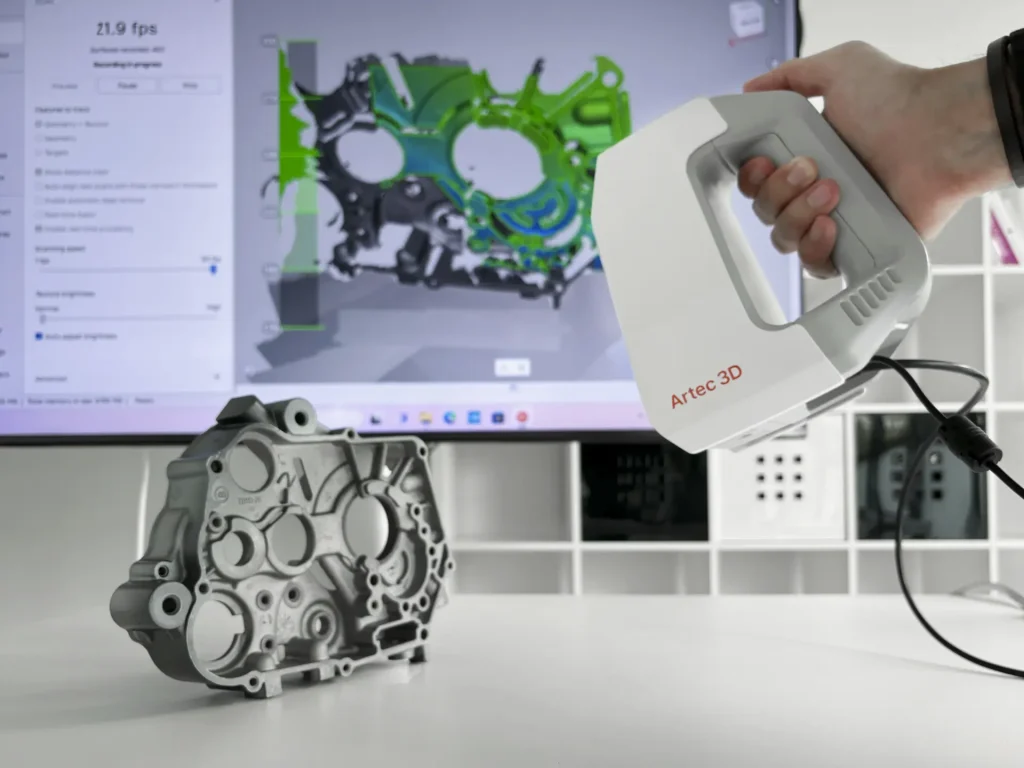
Artec Spider II Demonstration
 By
By The Artec Spider II is an updated hand-held 3D scanner designed specifically for CAD users and perfect for reverse engineering, product design, and quality control.
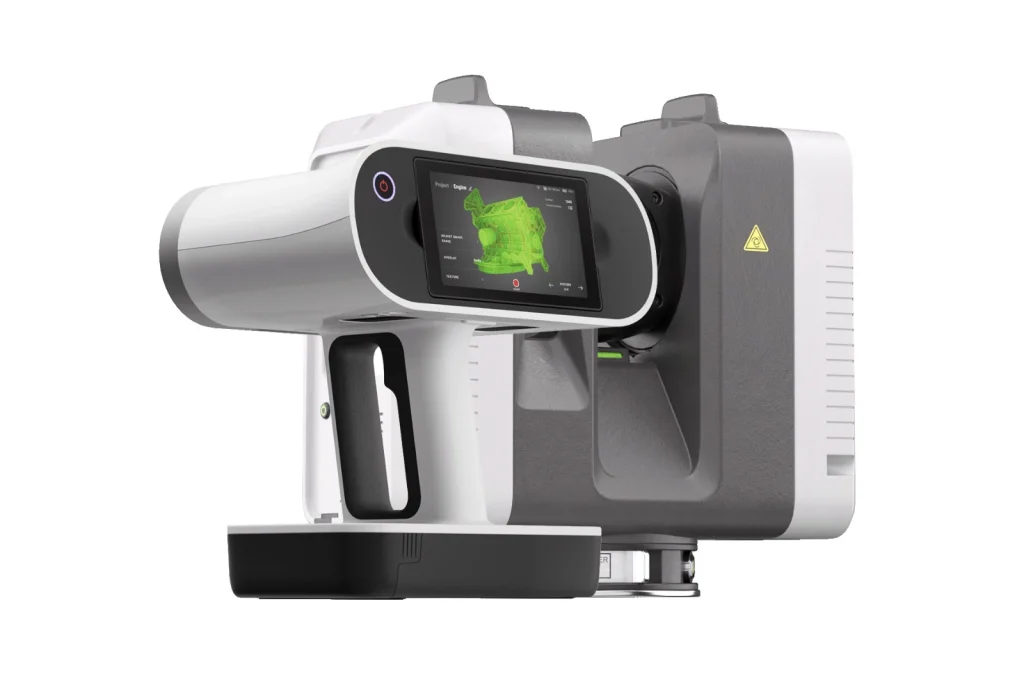
Artec Ray and Artec Leo 3D Scanning Demo
The Artec Ray and Artec Leo are a powerful combination of 3D scanners that enables engineers to create stunning scans when merging scanned data from two scanners into one model.
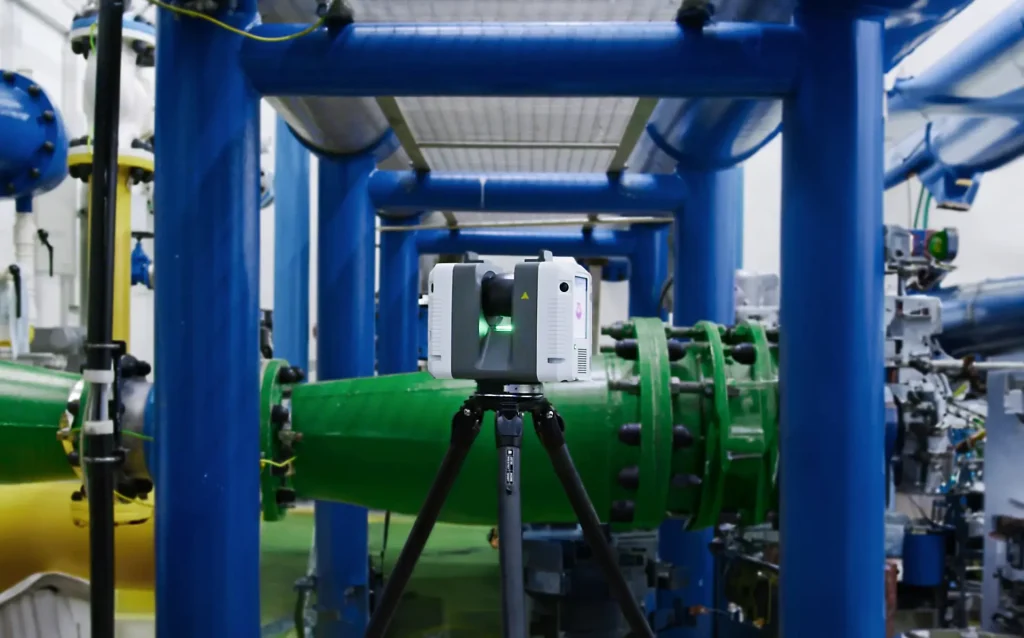
Artec Ray II 3D Scanner Demo
The Artec Ray II 3D Scanner is the fastest and most accurate long-range scanning solution with laser technology for precise capture of large objects such as wind turbines, ship propellers, airplanes and buildings.
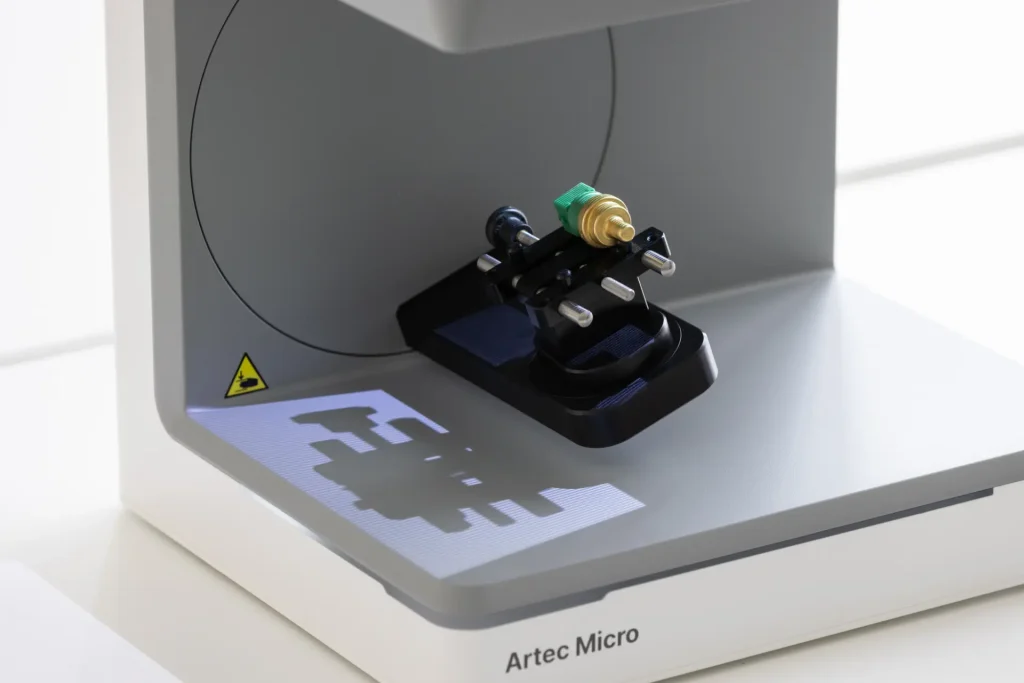
Artec Micro II 3D Scanner Demo
The Artec Micro II brings the latest in scanning technology to your desktop. Watch our demo video to learn how to use it.
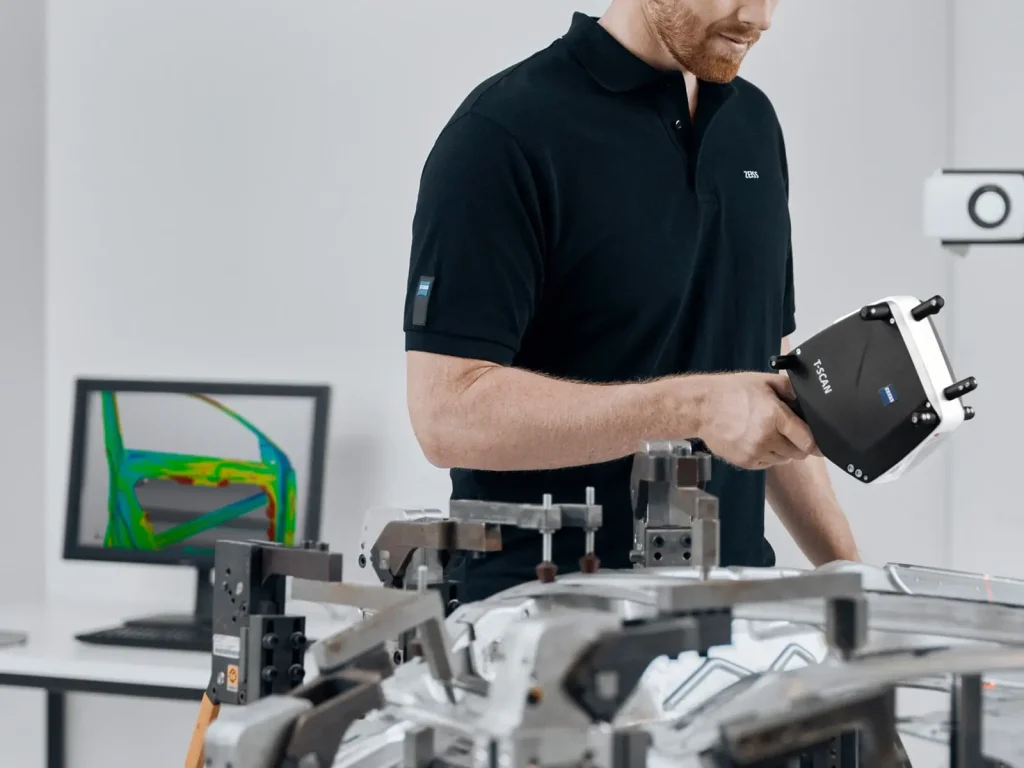
Automating QA Tasks Using ZEISS Scanners and Software
This on-demand webinar explores automating QA tasks and the efficiency of 3D scanning in revolutionizing dimensional inspection for mechanical parts.
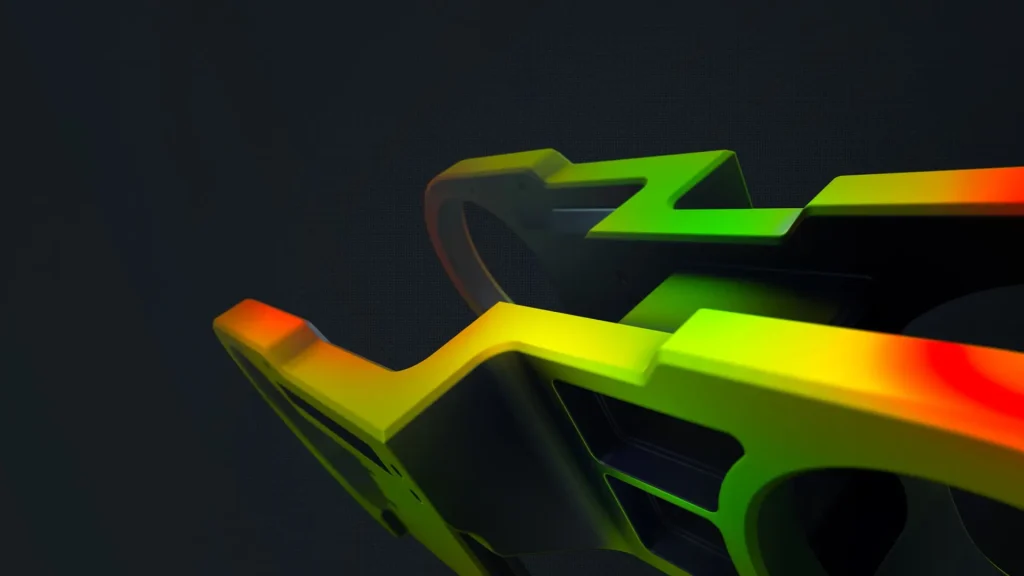
Automating QA Reports with ZEISS 3D Scanners and Software
In today’s blog, we look at some helpful automation QA report features in ZEISS Inspect Optical 3D (the software formerly known as GOM Inspect Professional).
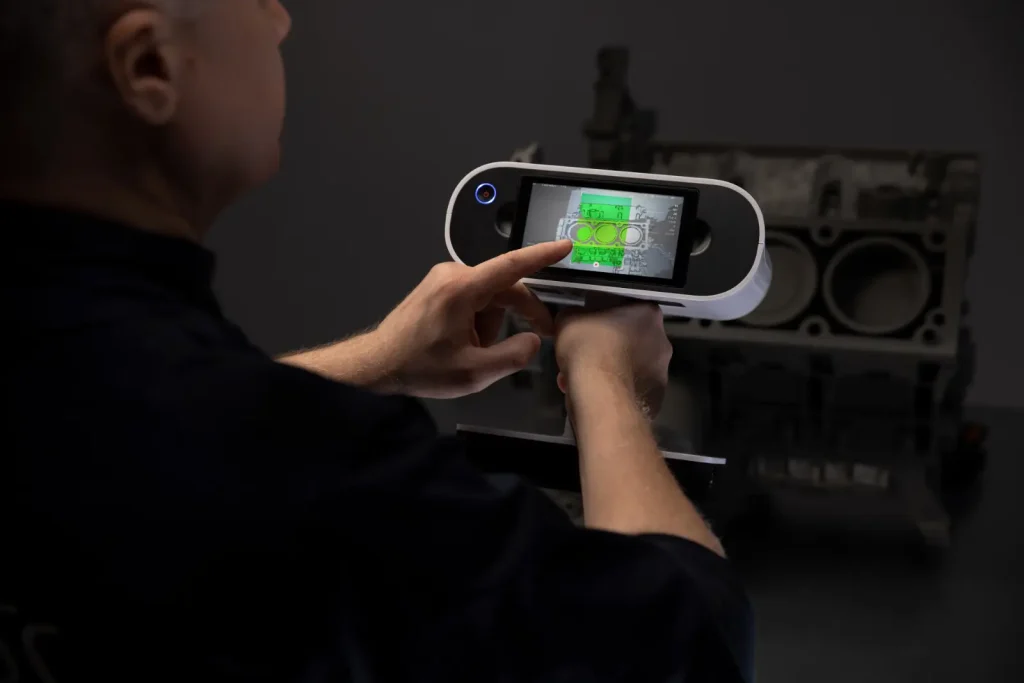
Working with 3D Scan Data for Real-world Applications
The Working with 3D Scan Data on-demand webinar aims to introduce participants to the world of 3D scanning and its advantages over other methods.

What’s New in Artec Studio 18?
This month saw the release of Artec Studio 18, the latest release of the Artec Studio. Let’s find out what new features we can expect.

Installing Free ZEISS Inspect Software
ZEISS Inspect is the inspection software for ZEISS 3D scanners. In this demo, we’ll walk you through how to install ZEISS Inspect for free, step by step

Geomagic Freeform: Virtual 3D Modelling Design & Sculpting Software
TriMech’s 3D Scanning Solution Specialist, Brian Metzger and Geomagic Freeform Product Owner, Dave DiPinto, give a brief overview of Geomagic Freeform while covering two common workflows

3D Scanners for Inspection and Quality Assurance
Learn about 3D scanners for inspection how you can easily automate the calculation of Geometric Dimensions and Tolerances (GD&T) as well as reporting.

Processing Artec Ray Scan Data with Ray Scan Triangulation
The data coming from the Artec Ray can sometimes benefit from different settings when processing the mesh data. In this video, I’m going to talk to you about a special tool that is just for Artec Ray data called the Ray Scan Triangulation.
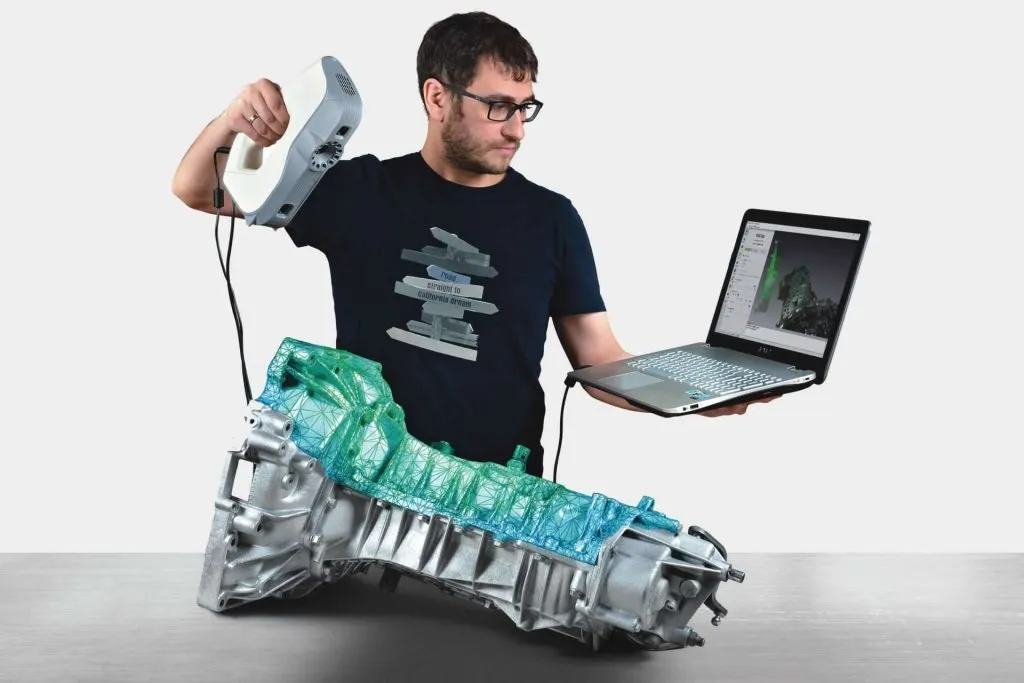
How to Save a Artec Studio Project
In this video I am going to share my favorite new feature that has been added to Artec Studio, the ability to save an Artec Studio Project.
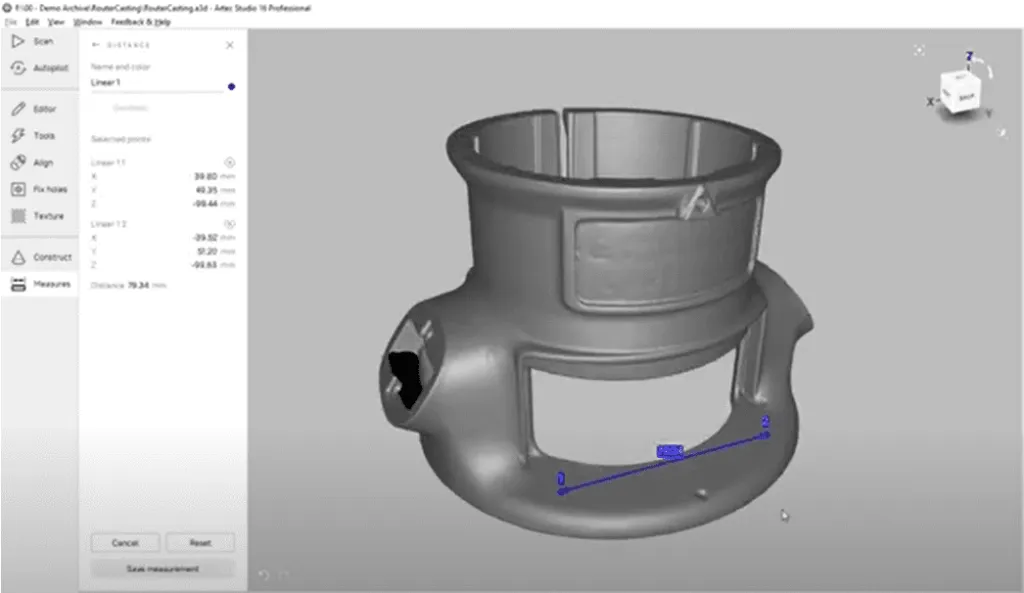
How to use the Measure Tools in Artec Studio
In this video, I’m going to be showing you some of the measure tools in Artec Studio. For this demonstration, I’m measuring a cast router base plate.

Reverse Engineering Process with 3D Scanning, SOLIDWORKS CAD and 3D Printing
When you have 3D scanning, CAD and 3D printing added to your operation, it opens up new possibilities. Let’s look at the Reverse Engineering Process and how easy it is to make perfect-fitting 3D-printed fixtures.
Our Products
Need a 3D Scanner, Printer or CNC Machine?
Complete our contact form or speak to an expert at 888.392.0957
Our Services
Learn more about our Manufacturing Services
Discover services to Design > Make > Finish your product